This comprehensive guide covers the technical architecture and professional workflow methodology for Kiira.AI's Nano Banana Pro. Whether you're integrating AI-assisted editing into design pipelines, managing multi-image projects, or optimizing output quality for specific platforms, you'll learn systematic approaches to parameter tuning, prompt engineering, and quality assurance that produce consistent, professional results.
Kiira.AI's Nano Banana Pro represents a significant evolution in AI-assisted image editing. Unlike traditional pixel-based editors or simple prompt-to-image generators, it employs a multi-stage neural architecture that understands context, maintains consistency, and provides granular control over the generation process.
The platform's strength lies in its dual-path processing system: one network analyzes compositional structure and semantic content, while a parallel system handles fine-grained details like texture, lighting, and character features. This separation allows for independent parameter control, enabling you to adjust global characteristics without disrupting local detail quality.
Professional workflows built on Nano Banana Pro require understanding three core systems: the character consistency engine (which maintains identity vectors across edits), the upscaling pipeline (which intelligently reconstructs detail at higher resolutions), and the prompt interpretation layer (which translates natural language into precise editing instructions). Each system can be tuned independently, allowing sophisticated control over output characteristics.
The AI analyzes entire image composition before applying edits, ensuring modifications harmonize with existing elements rather than creating jarring inconsistencies.
Fine-tune detail preservation, color fidelity, and style transfer strength with numeric controls that provide reproducible results across projects.
Lock style parameters and character features to maintain visual coherence across image sets, essential for series work and brand consistency.
Built-in analysis tools measure sharpness, noise levels, and color accuracy, providing objective feedback for optimization.
This workflow framework is based on production experience across editorial, commercial, and design applications. Each stage addresses specific technical considerations and includes parameter recommendations for different use cases.
Start with clarity: Write down exactly what you want to create—subject, mood, style, and purpose. Consider your target platform (social media, print, web) and required dimensions. Note any specific text that needs to appear in the image. Example: "Need a product marketing image for Instagram with the text 'Limited Offer' clearly visible, warm aesthetic, professional photography style".
Collect visual references: If you need character consistency, specific styles, or particular product placement, prepare reference images. Nano Banana Pro accepts up to 14 reference images. Organize them by purpose: style guides, character faces, products, composition examples. Ensure references are high-quality and clearly show the elements you want to incorporate.
Craft comprehensive prompts: Use natural language to describe every important aspect. Include: subject details, actions or poses, environment and setting, lighting conditions, camera angle, artistic style, and any text content (in quotes). Be specific but natural—write as if describing the image to a photographer. Save successful description patterns for future use.
Create and evaluate: Launch Kiira.AI Nano Banana Pro, upload any reference images, input your description, and generate. Review the output for accuracy in subject, composition, text rendering, and overall aesthetic. Nano Banana Pro typically produces high-quality results on first generation, especially for text-heavy images where other AI tools fail.
Iterate naturally: Instead of adjusting technical parameters, refine your description. Add details like "make the lighting warmer", "change to a lower camera angle", "increase the dramatic mood", or "make the text larger and more prominent". Nano Banana Pro understands nuanced adjustments, making iteration fast and intuitive without technical knowledge.
Finalize for use: Once satisfied, export your image in the required format. Nano Banana Pro generates high-resolution outputs (up to 4K) suitable for professional use. Check text legibility, color accuracy on different devices, and overall composition at the target size. For series work with consistent characters or branding, save your reference setup and description template for future efficiency.
Open Kiira.AI Nano Banana Pro and start by writing a detailed natural language description of the image you want to create. Be specific about subjects, actions, environment, lighting, and mood. Example: "A professional food photography shot of a steaming bowl of Japanese ramen, with the text 'Today's Special ¥38' clearly visible on a wooden sign in the background, warm ambient lighting, shallow depth of field".
Upload reference images if you need character consistency or specific visual styles. Nano Banana Pro supports up to 14 reference images and can maintain facial consistency for up to 5 characters across multiple generations. This is perfect for creating series of images with consistent branding, character design, or product placement across different scenes.
Click generate and Nano Banana Pro will create your image in high quality (up to 4K resolution). Review the result and if needed, adjust your description to refine details, change camera angles, modify lighting, or alter elements. The AI understands nuanced descriptions like "make it more cinematic" or "add warmer tones", making iteration fast and intuitive without technical parameters.
One of Nano Banana Pro's standout features is accurate text generation in images. To get perfect text: Include the exact text you want in quotes within your description. Example: "A Japanese ramen poster with the text 'Today's Special ¥38' on a wooden sign". Specify text placement, font style (modern, handwritten, elegant), and language. The AI handles multiple languages accurately.
Pro tip: For menu designs, product labels, or marketing materials, describe the text style and context clearly. Nano Banana Pro excels where other AI tools produce garbled text.
Use up to 14 reference images to guide generation. Upload multiple images showing different aspects: (1) Style references for artistic direction, (2) Character faces for consistency (up to 5 characters), (3) Product images for accurate representation, (4) Scene composition references. The AI intelligently combines elements from all references while following your text description.
Best practices: Use high-quality reference images. Clearly describe in your prompt which elements from which references you want to incorporate.
Nano Banana Pro can connect to live data for current information. Request images with real-time elements: "Shanghai weather forecast for today with accurate temperature and conditions", or "Latest stock market chart for Tech Index". The AI queries current data and incorporates it accurately into the generated image.
Use cases: Weather visualization, data dashboards, current event illustrations, real-time infographics. Specify your location and data requirements clearly.
Describe photographic elements in detail for professional results: Specify camera angles ("low angle shot", "bird's eye view", "Dutch angle"), lighting setups ("golden hour", "studio lighting with key and fill", "dramatic side lighting"), depth of field ("shallow DOF with bokeh", "deep focus"), and color grading ("warm cinematic tones", "cool blue palette", "high contrast black and white").
Efficiency tip: Build a library of successful photography descriptions. Nano Banana Pro understands professional photography terminology and produces results matching your technical specifications.
Technical approach: Kiira.AI employs multi-stage feature extraction that creates persistent identity vectors for characters. The system analyzes facial geometry, proportions, and stylistic elements at different scales, maintaining recognition accuracy even through significant pose changes or environmental variations. This enables series production where character identity remains stable across dozens of images with different compositions and scenarios.
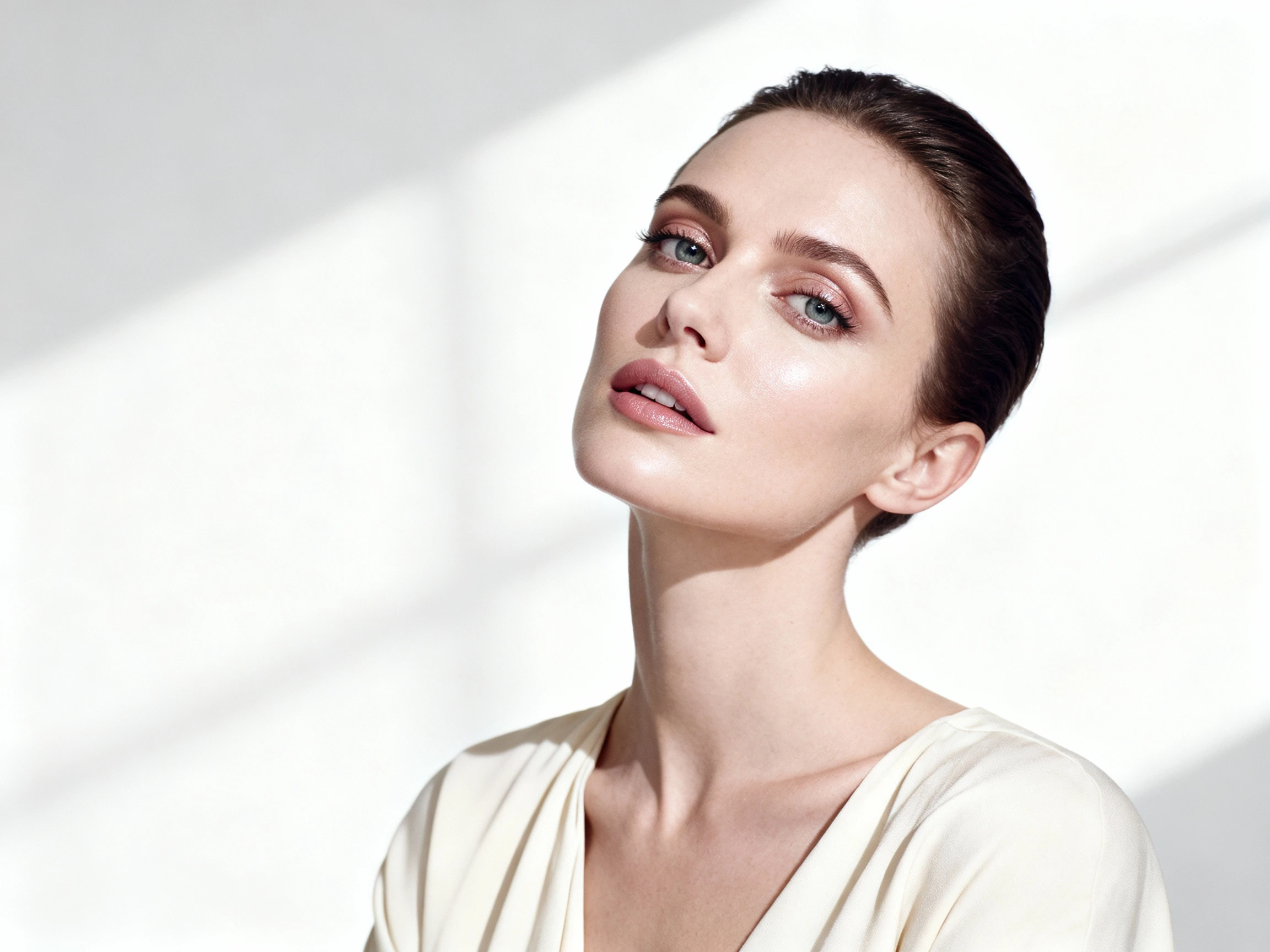
Multi-pass enhancement: The upscaling system analyzes image content to identify edges, textures, and smooth regions, applying optimized processing to each area type. Unlike simple interpolation, it reconstructs missing detail through learned patterns, preserving sharpness in critical areas while applying appropriate smoothing to prevent noise amplification. The system automatically adjusts its approach based on content type recognition (portrait, landscape, product, etc.).
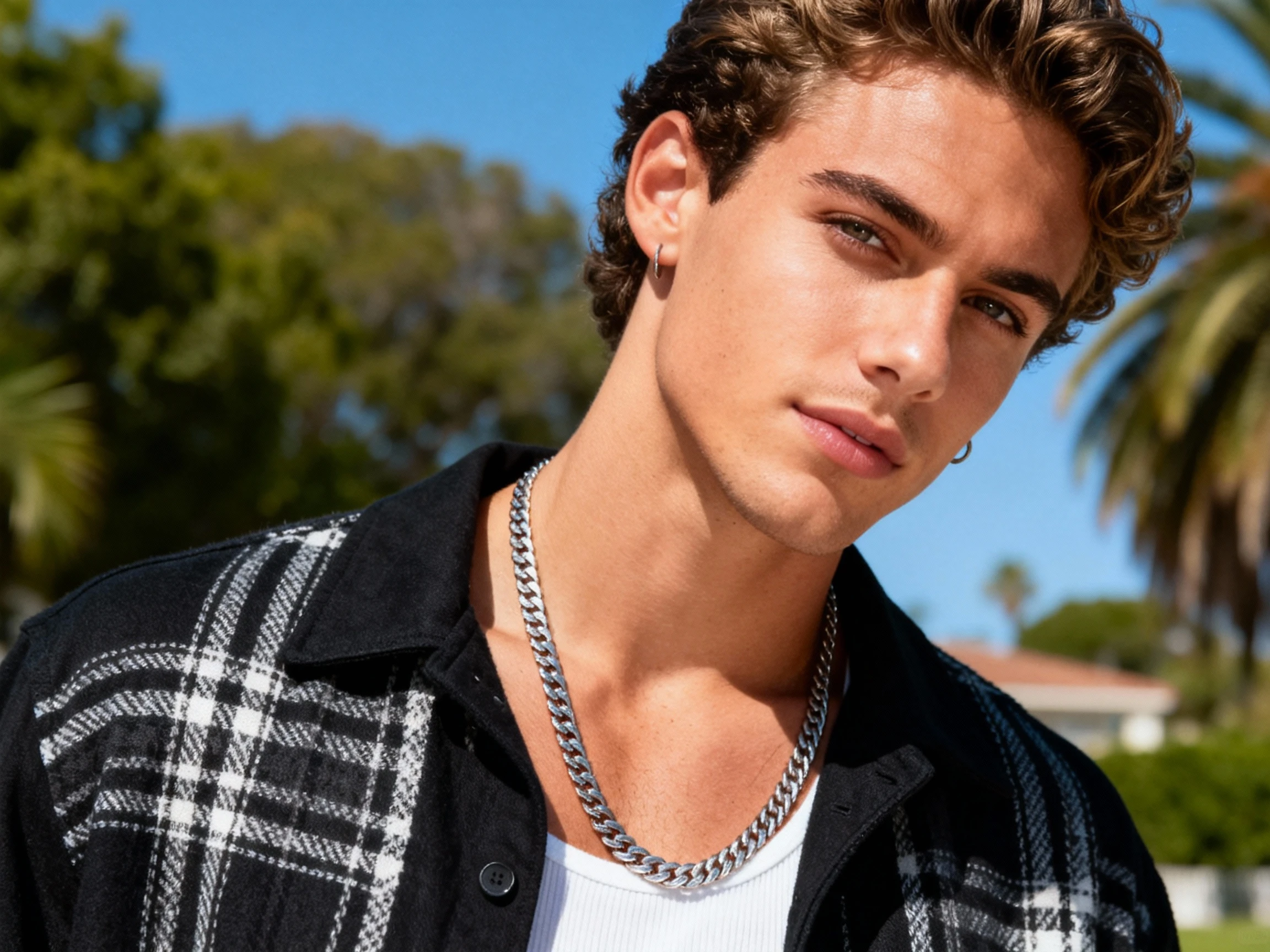
Context-aware text generation: Nano Banana Pro understands semantic relationships between text requests and image context. When generating text elements, it considers composition balance, readable contrast ratios, and appropriate font characteristics. The system automatically adjusts text placement, sizing, and styling to harmonize with surrounding visual elements, ensuring professional typography integration rather than simple overlay effects.
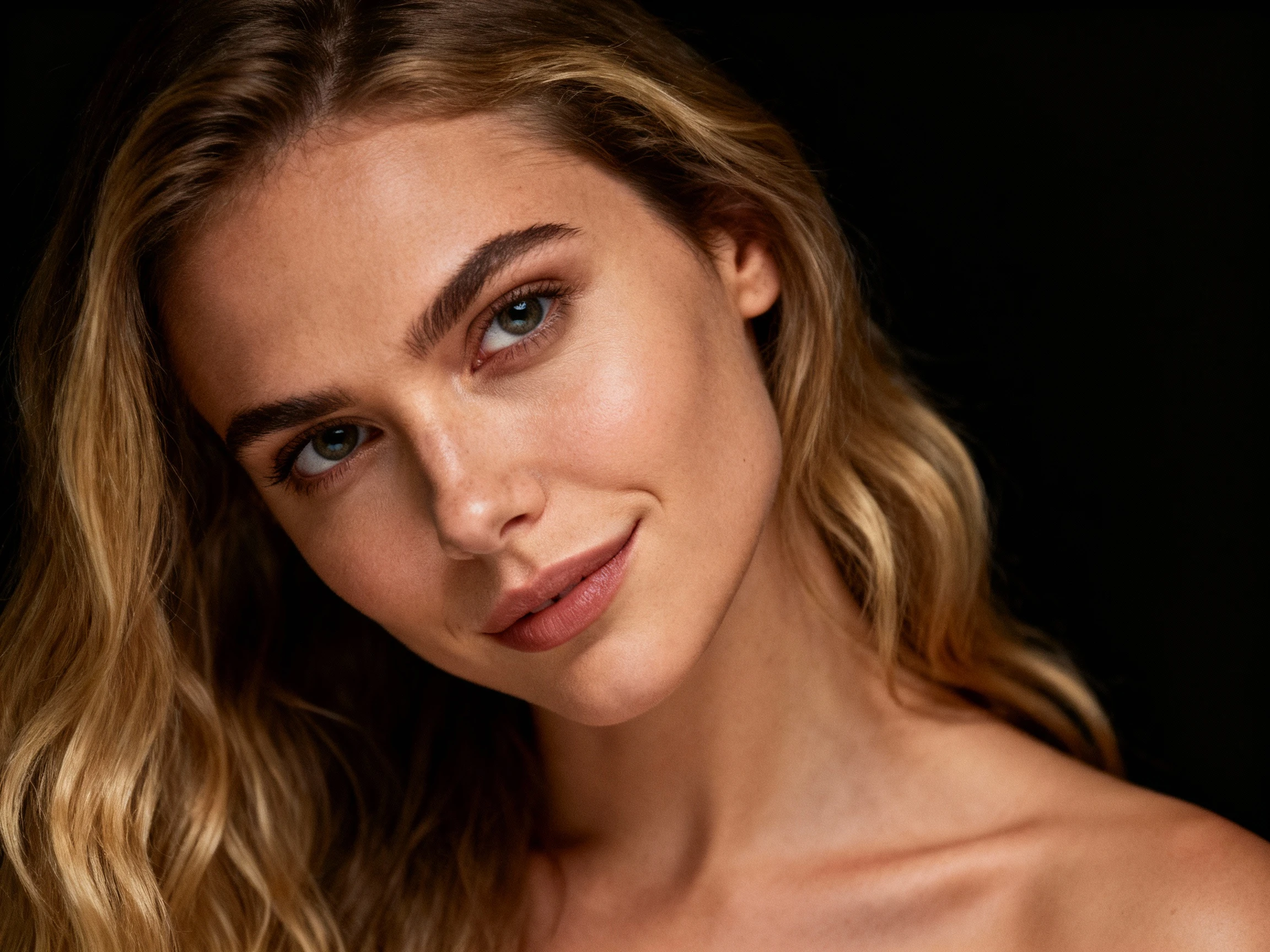
Parallel processing design: Kiira.AI's infrastructure employs distributed GPU resources with intelligent load balancing. Queue management prioritizes by complexity and resource availability. Typical processing times: standard edits 10-15 seconds, upscaling operations 20-30 seconds, complex multi-element compositions 30-45 seconds. The system automatically batches similar operations for improved throughput efficiency.

Comprehensive feature availability: Kiira.AI provides full access to Nano Banana Pro's core capabilities including character consistency, upscaling, and advanced parameter controls without usage restrictions. Outputs are delivered without watermarks or quality reduction. This enables professional integration into existing workflows without licensing complexity or recurring costs impacting project budgets.
Apply these workflow principles in your own projects. The platform provides the technical foundation described in this guide, with parameter controls and systematic approaches designed for professional image editing workflows.
Try Free