Quick Video Storyboard Video Maker for Smarter 10-Second Stories

Upload an image, describe your idea, and let our AI agent create storyboard-based 10-second videos. Adjust any scene you don't like with precise, scene-based editing—no timeline complexity required.

If you create short video content, you know that a strong story can live inside just a few seconds. Quick Video storyboard video maker is built for this kind of storytelling. Instead of opening a heavy editing app and learning a complex timeline, you simply upload an image, describe your idea, and let an AI agent help you turn it into a polished 10-second storyboard-based video. The tool focuses on structure and pacing so you can focus on what you want to say.

Because Quick Video works as an intelligent assistant rather than a traditional editor, you don't have to fight with layers and keyframes. The Quick Video scene based video editor agent understands your intent, breaks your idea into shots, and proposes how each moment in the 10-second clip should look and feel. It's ideal for hooks, promos, micro-tutorials and any short-form content where every second matters.
How the Quick Video Agent Turns Your Ideas into Storyboards

01

Upload Your Image and Share Your Idea

Start by uploading a key visual—like a product photo, character design, or brand image. Then describe your video idea in natural language. The AI agent uses this to understand what story you want to tell in 10 seconds. As a Quick Video video storyboard creator, the system interprets your creative intent without requiring technical setup.

02

Review the AI-Generated Storyboard

The Quick Video storyboard video generator proposes a storyboard with scene breakdowns for your 10-second video. You can see how the opening, middle, and closing moments are structured before generation begins. Because Quick Video functions as an AI-driven video editor with storyboard timeline, you maintain full visibility over your story structure.

03

Refine Specific Scenes with Natural Language

If any scene doesn't match your vision, simply tell the agent what to adjust. You can use Quick Video to create storyboard videos and tweak specific scenes by explaining what feels off or what you want to improve. The agent regenerates only the parts you want to change while preserving the overall flow.

Why Use Quick Video Storyboard Video Maker?

Traditional editors often force you into frame-by-frame work just to fix a small issue. In contrast, Quick Video storyboard video maker with editable scenes lets you keep your hands off the timeline. Each part of the 10-second video is treated as a scene that the agent can adjust on demand. If you don't like how a particular 2-second segment looks, you just tell the agent which moment should change and how you want it to look instead.

Because the system is a Quick Video scene-based video editor with storyboard and scene control, you can think at the level of shots and beats, while the tool handles the technical adjustments. For example, you might say "make the product shot at the end more dynamic" or "soften the transition around second 4," and the agent regenerates that scene while preserving the overall flow. This makes it a natural scene based video editor for Quick Video projects where you iterate quickly based on your own judgment or viewer feedback without getting stuck in low-level editing steps.

🎬

AI-Powered Storyboard Generation

Upload an image and idea—AI creates structured scenes automatically

Try AI Generation
✂️

Scene-Based Editing

Adjust specific segments without touching the entire video

Start Editing

10-Second Video Generation

Perfect for social media, hooks, and short-form content

Create Video
💬

Natural Language Control

Guide edits with simple feedback—no technical skills needed

Try It Free
🔄

Instant Iteration

Regenerate scenes in seconds based on your feedback

Start Now
🎯

Story-First Workflow

Focus on narrative structure, not timeline complexity

Get Started

See Quick Video Storyboard Maker in Action

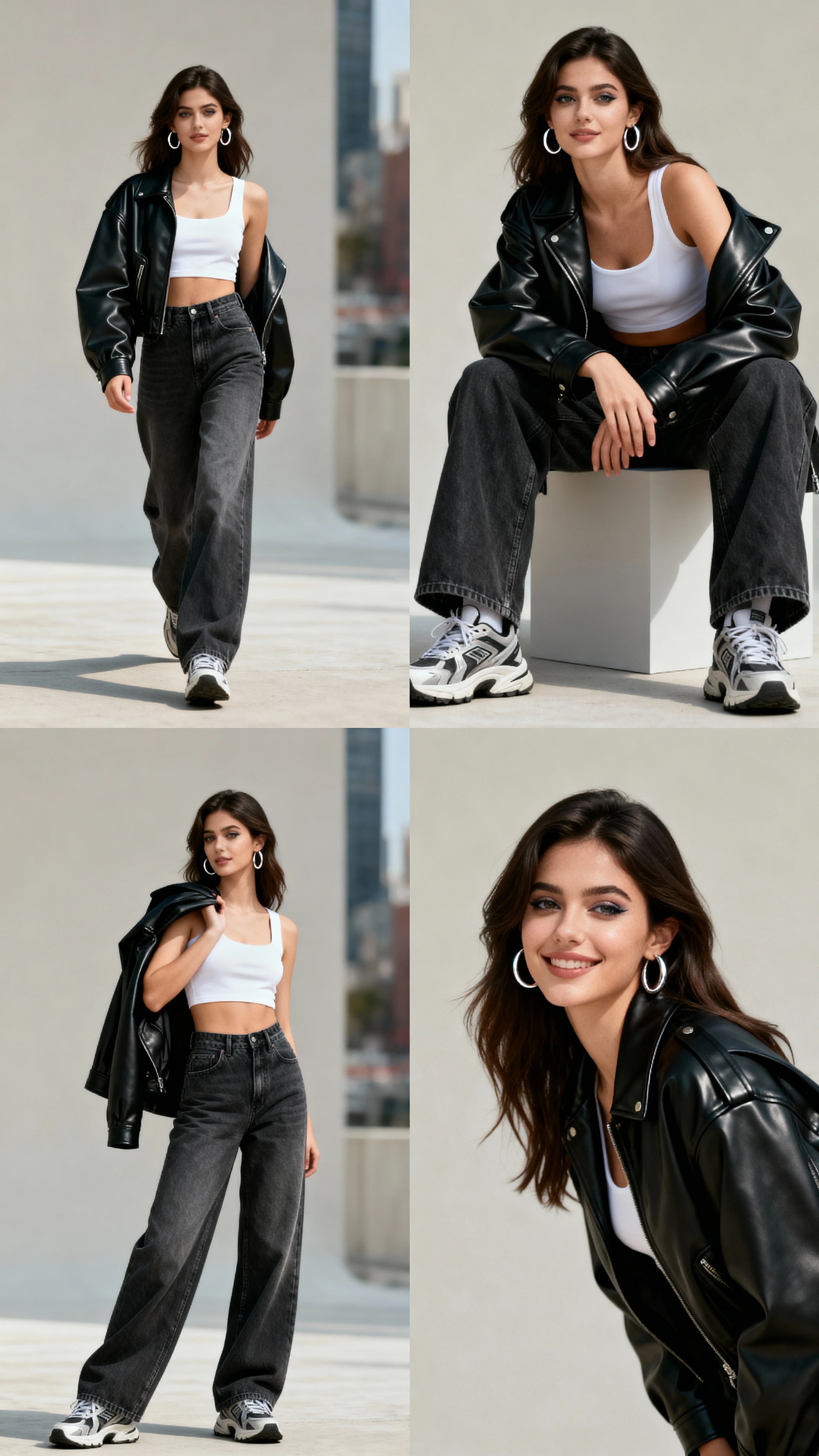
Real examples of 10-second storyboard-based videos created with Quick Video. Each video was generated from a single image and a simple idea, then refined with scene-based editing.

Product Promo Video Example - Quick Video Storyboard
10s

Product Launch Promo

Uploaded product photo + "Show how our app saves time" → Generated 3-scene storyboard with hook, demo, and CTA. Adjusted middle scene timing for better pacing.

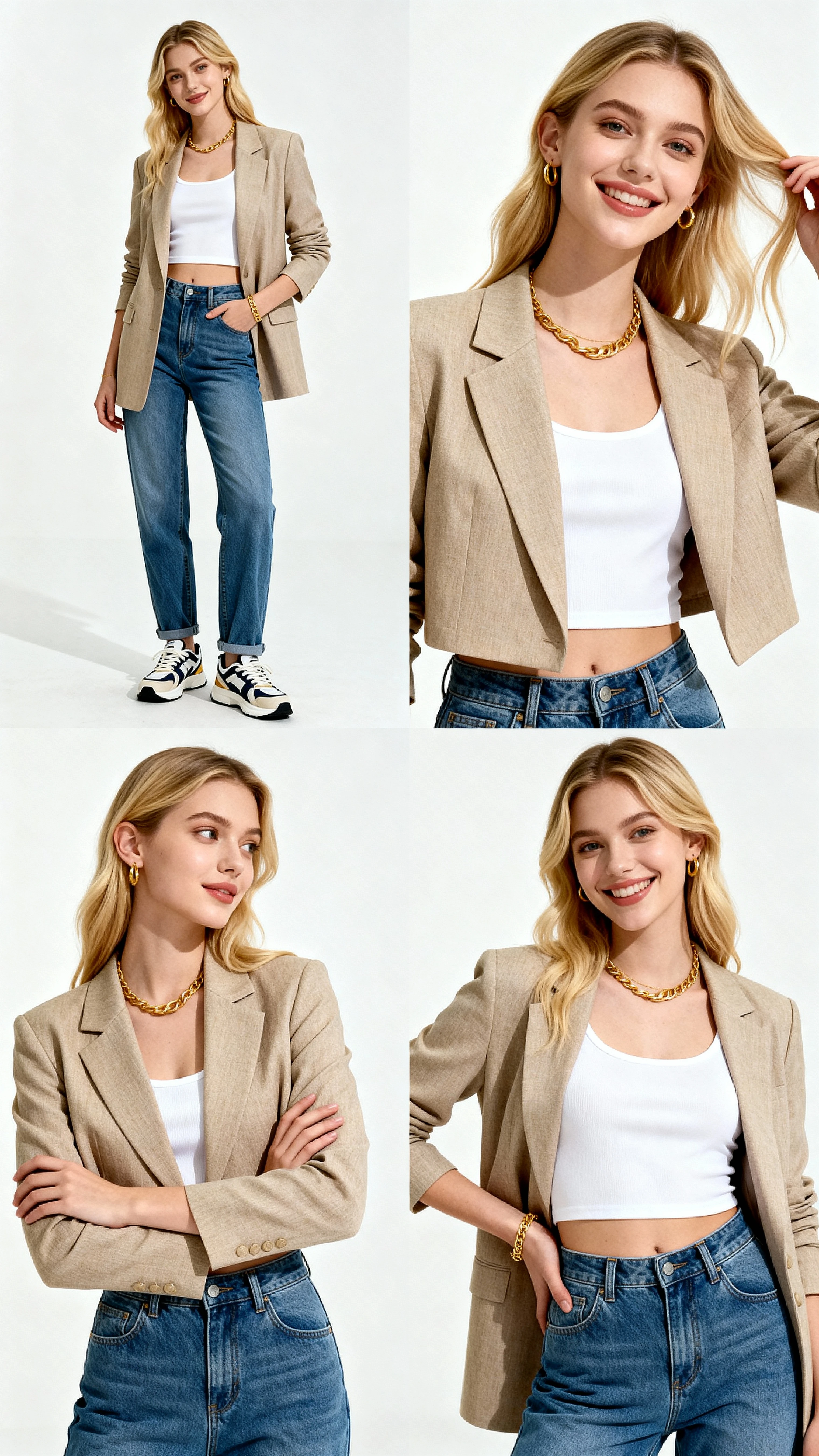
Social Media Hook Video Example - Scene-Based Editing
10s

Instagram Reel Hook

Brand visual + "Create attention-grabbing hook" → AI suggested dramatic opening with quick cuts. Refined middle transition to be smoother and more engaging.

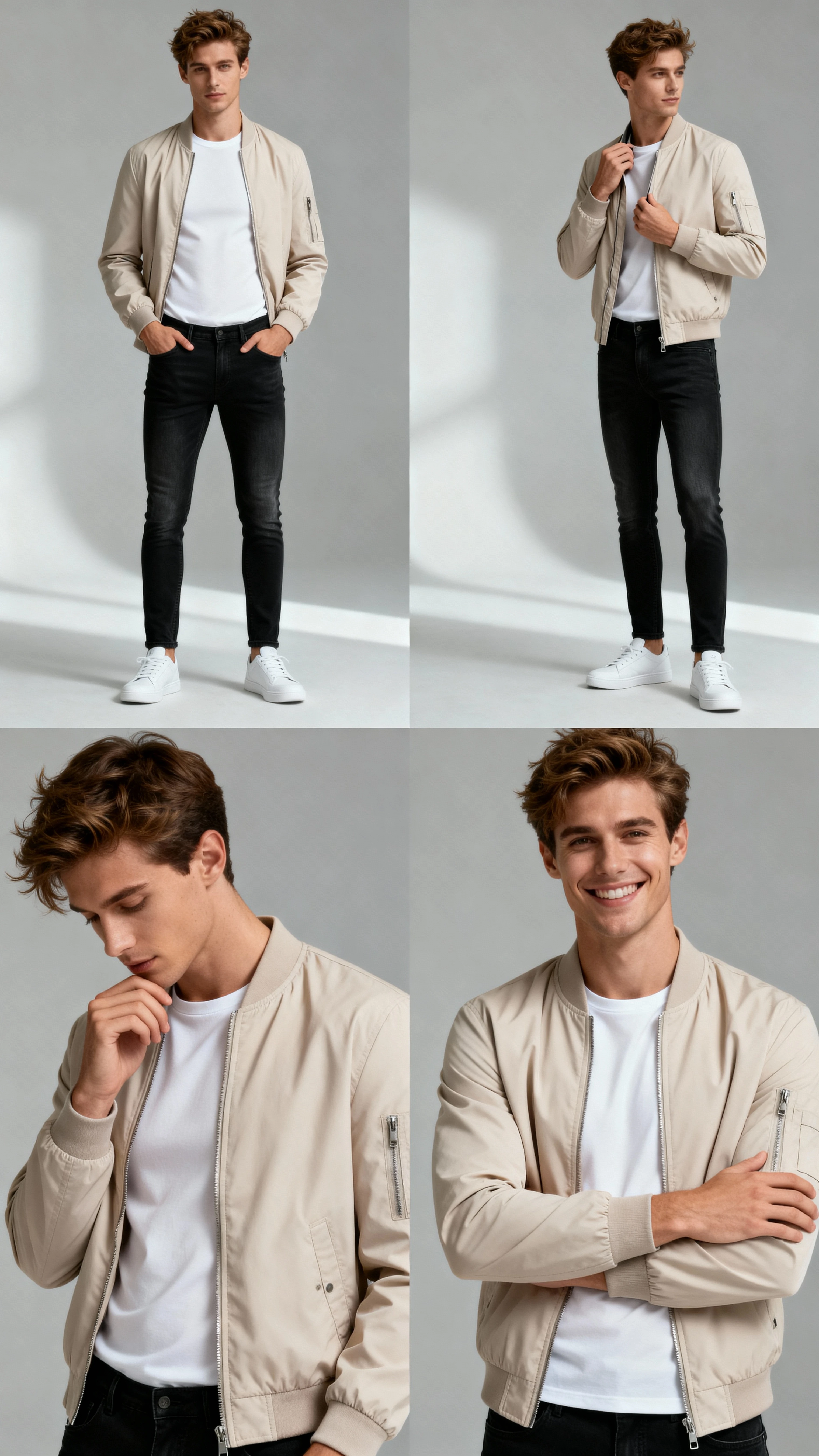
Tutorial Intro Video Example - Storyboard-Based Content
10s

Micro-Tutorial Intro

Screenshot + "Explain feature quickly" → Generated step-by-step scenes showing the process. Adjusted pacing for clarity and slowed down key explanation moment.

FAQ – Quick Video Storyboard Maker

What is Quick Video Storyboard Video Maker?

+

Quick Video Storyboard Video Maker is an AI-powered video creation tool that lets you upload an image and describe your idea to generate 10-second storyboard-based videos. An AI agent helps you plan scenes and adjust specific segments without manual timeline editing. It's designed for creators who want to work with story structure rather than complex editing interfaces.

How long does it take to create a video with Quick Video?

+

Quick Video can generate a complete 10-second storyboard-based video in just a few minutes. You upload an image, describe your idea, and the AI agent creates a structured video with editable scenes that you can refine instantly. The actual generation time depends on complexity, but most videos are ready within 2-3 minutes.

Can I edit specific scenes without redoing the entire video?

+

Yes. Quick Video's scene-based editing lets you adjust individual segments by simply telling the AI agent what to change. You can refine specific seconds—like adjusting a transition at second 4 or making a product shot more dynamic—without affecting the rest of your 10-second video. This saves hours compared to traditional timeline editing.

Do I need video editing experience to use Quick Video?

+

No. Quick Video works as an AI agent that understands natural language. You don't need to learn timelines, keyframes, or complex editing tools—just upload an image, describe your vision in plain language, and guide the agent with simple feedback like "make the opening more dramatic" or "slow down the middle section."

What types of videos can I create with Quick Video Storyboard Maker?

+

Quick Video is ideal for short-form content like social media hooks, product promos, micro-tutorials, brand stories, explainer clips, and any 10-second video where storyboard structure and scene control matter. It's perfect for TikTok, Instagram Reels, YouTube Shorts, and other platforms that prioritize quick, engaging content.

Is Quick Video free to use?

+

Quick Video offers free access to create storyboard-based videos. Check the platform for current pricing, feature availability, and any usage limits. Many creators start with the free tier to test the storyboard workflow before upgrading for additional features or higher volume.

Ready to create 10-second storyboard videos that tell your story without timeline complexity?

Use Quick Video's AI agent to upload an image, describe your idea, and generate scene-based videos you can refine in seconds.

Get Started with Quick Video