Try Hairstyles — AI Powered

Nano Banana Pro – AI Hairstyle Generator & Virtual Hair Try-On for Your Face

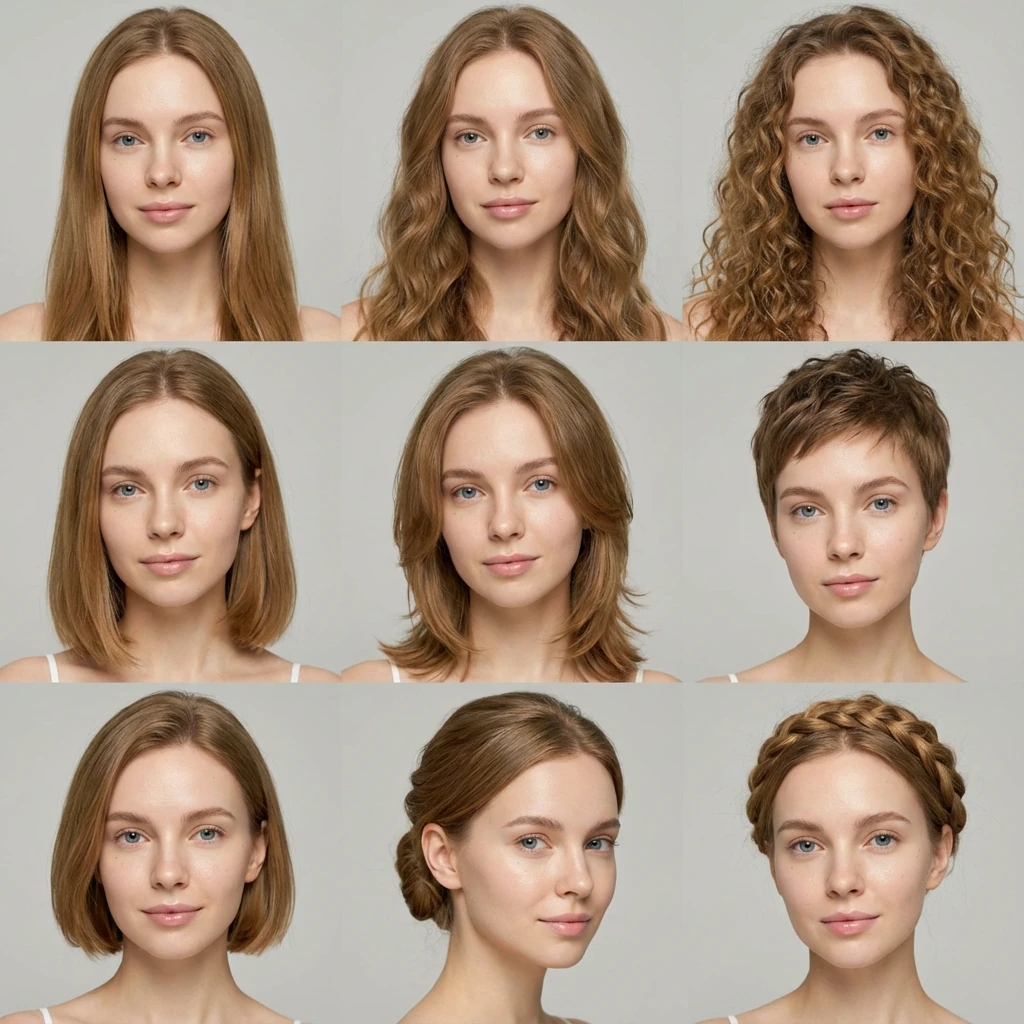
Upload your selfie and generate 9 different hairstyles instantly.
Virtually try on new haircuts and preview your perfect look—all in one place.

Get Started

Transform Your Look Before You Commit

Standing in front of the mirror, trying to imagine a fringe, a bob, or going blonde is almost impossible. Screenshots of celebrities help a little, but you still don't know how that style will sit on your face. That's exactly the gap this AI hairstyle generator is built to close: a fast, low‑risk way to see new looks on your own selfie before you go near a pair of scissors or hair dye.


With Nano Banana Pro handling the image model under the hood, the tool focuses on what really matters to you: realistic results, simple controls, and a smooth virtual hair makeover experience that feels playful, not technical.

How it works

From selfie to new style in minutes
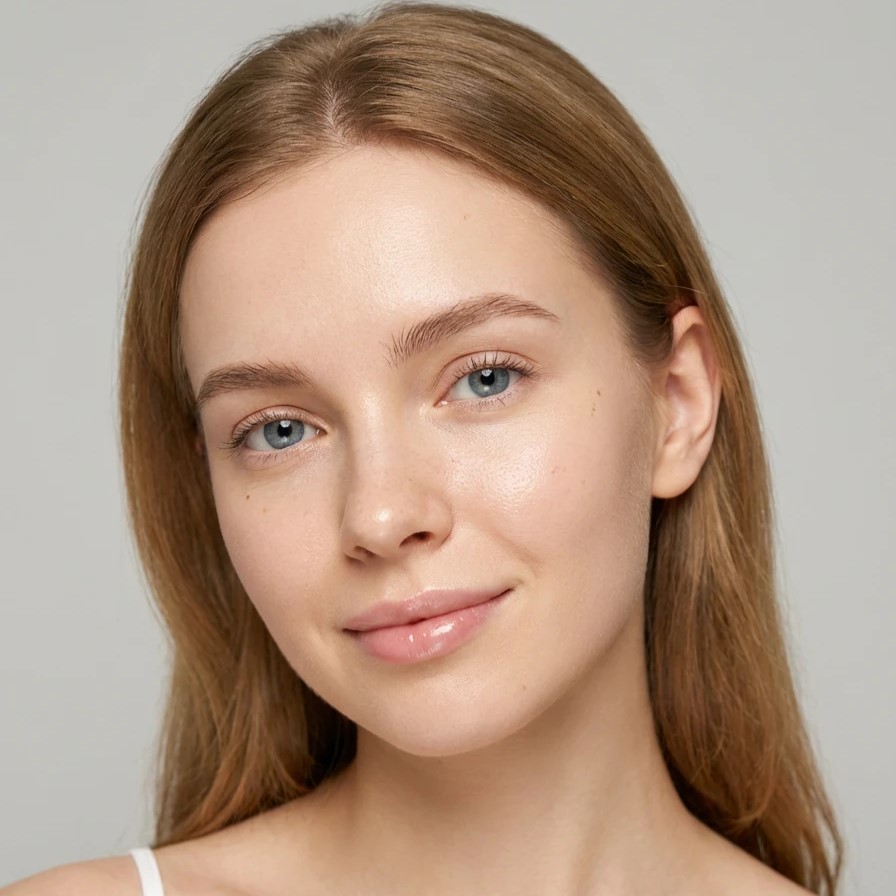
Upload selfie step
1

Choose a Good Selfie

Face clearly visible, no heavy shadows. Hair pulled back or away from the face helps the tool read your features. Neutral expression and straight-on angle work best.
Upload photo step
2

Open Kiira and Upload

Launch Kiira.ai and directly upload your photo. No account creation, no barriers—just instant access to AI-powered hairstyle transformations.
Export results step
3

Generate and Export Watermark-Free

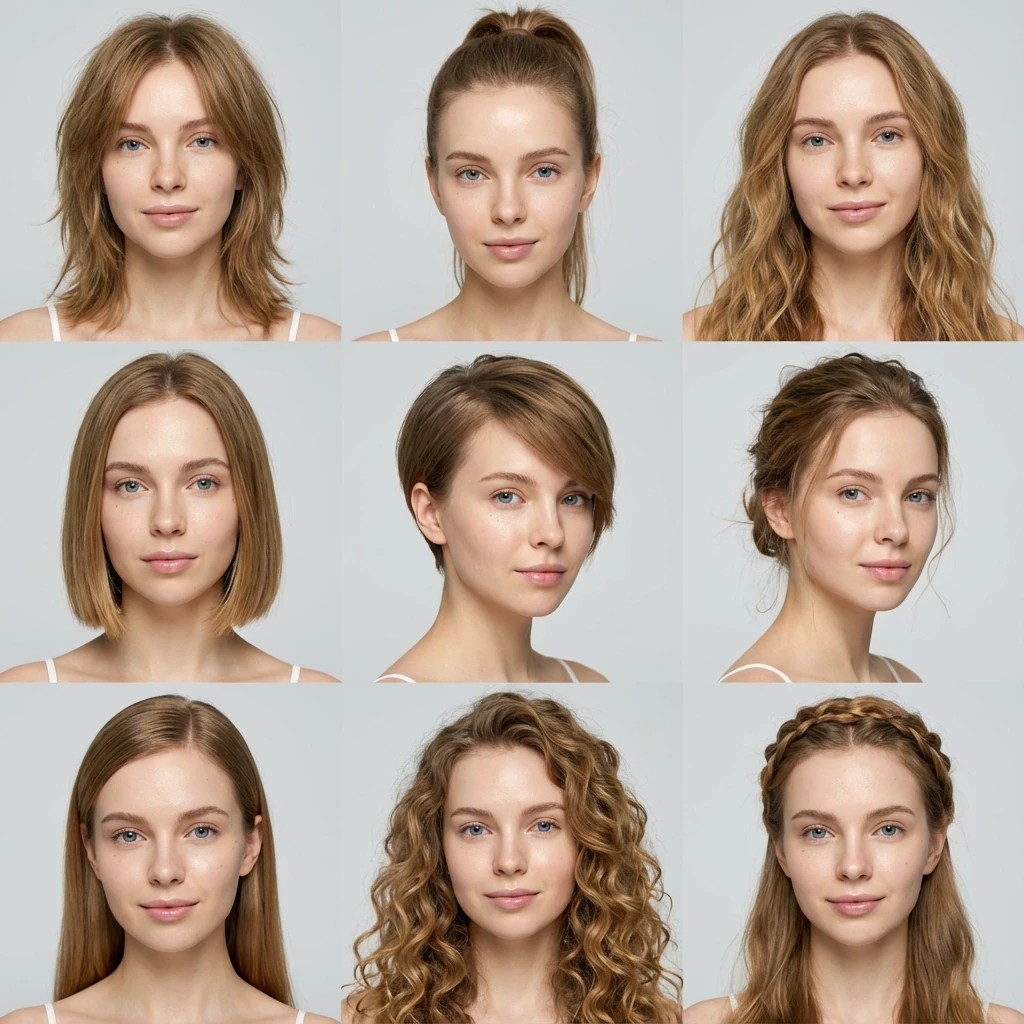
Get your AI-generated hairstyle results instantly. Download clean, watermark-free images ready to share or bring to your stylist.

Why use Kiira's AI hairstyle generator?

Built to make trying new hairstyles feel fast, low‑risk and genuinely useful

See more options in one go

One selfie generates up to nine different hairstyles at once, so you can compare cuts and colors side by side instead of testing them one by one.

🎨

Clean, shareable results

All previews are completely watermark‑free, so you can download or share them without logos covering your face.

🤖

Realistic looks powered by Nano Banana Pro

Under the hood, Kiira uses Google's Nano Banana Pro image model to keep hair edges, lighting and blending looking natural.

Practical Scenarios Where This Tool Shines

Real use cases that make the difference

Before a big life event

Preparing for a wedding, graduation, or new job. Try soft waves, sleek straight looks, or polished updos virtually and narrow it down to one or two strong candidates.

Thinking about bangs or a big chop

Bangs and drastic length changes are high‑risk. Running a few simulations lets you see how different fringe shapes impact your face: curtain bangs, blunt bangs, side-swept options.

Refreshing your everyday look

Sometimes you just want a subtle update—slightly shorter, lighter layers, or a different parting. See how small changes can modernize your style without shocking anyone at work.

Tips to Get the Most Realistic Results

Small habits that dramatically improve your previews

Upload high-quality, unobstructed photos

Use clear, full-face photos without obstructions for optimal results. High-resolution images with your complete facial features visible will generate more accurate and realistic hairstyle previews.

Match lighting to reality

If you work under cool office lighting, avoid judging everything under warm yellow light; choose photos close to your daily environment.

Think in steps, not extremes

Use the AI hairstyle generator to plan a path: from your current look to an intermediate stage, then to the final bold cut or color. This reduces shock and helps your hair stay healthy.

Treat results as a conversation starter

The images are guides, not rigid templates. A good stylist can adapt what you like to your hair texture, density, and lifestyle.

Frequently Asked Questions

Everything you need to know

What is Nano Banana Pro?
Nano Banana Pro is Google's advanced image model that powers Kiira's AI hairstyle generator. It enables realistic virtual hairstyle try on, accurate hair color changes and high‑quality hairstyle previews from your selfie.
Do I need to create an account?
No. You can start using Kiira immediately without creating an account, confirming an email, or installing any software. Just open the page, upload your photo, and begin exploring hairstyles.
Are the results watermark-free?
Yes. All previews generated by Kiira are completely watermark-free. You can download and share clean images without any logos covering your face.
How many hairstyles can I try at once?
Kiira generates up to nine different hairstyles from a single selfie upload, allowing you to compare multiple cuts and colors side by side instead of testing them one by one.
Can I use this for professional salon consultations?
Absolutely. Many users bring their favorite Kiira previews to salon appointments as concrete visual references. This reduces miscommunication and helps your stylist understand exactly what you want.

Turning Imagination into a Clear Plan

The hardest part of changing your hair has never been the scissors or the color—it's uncertainty. Start exploring your next hairstyle today.

Try Kiira Now