What Is Kling O1 Multiple Reference Images?
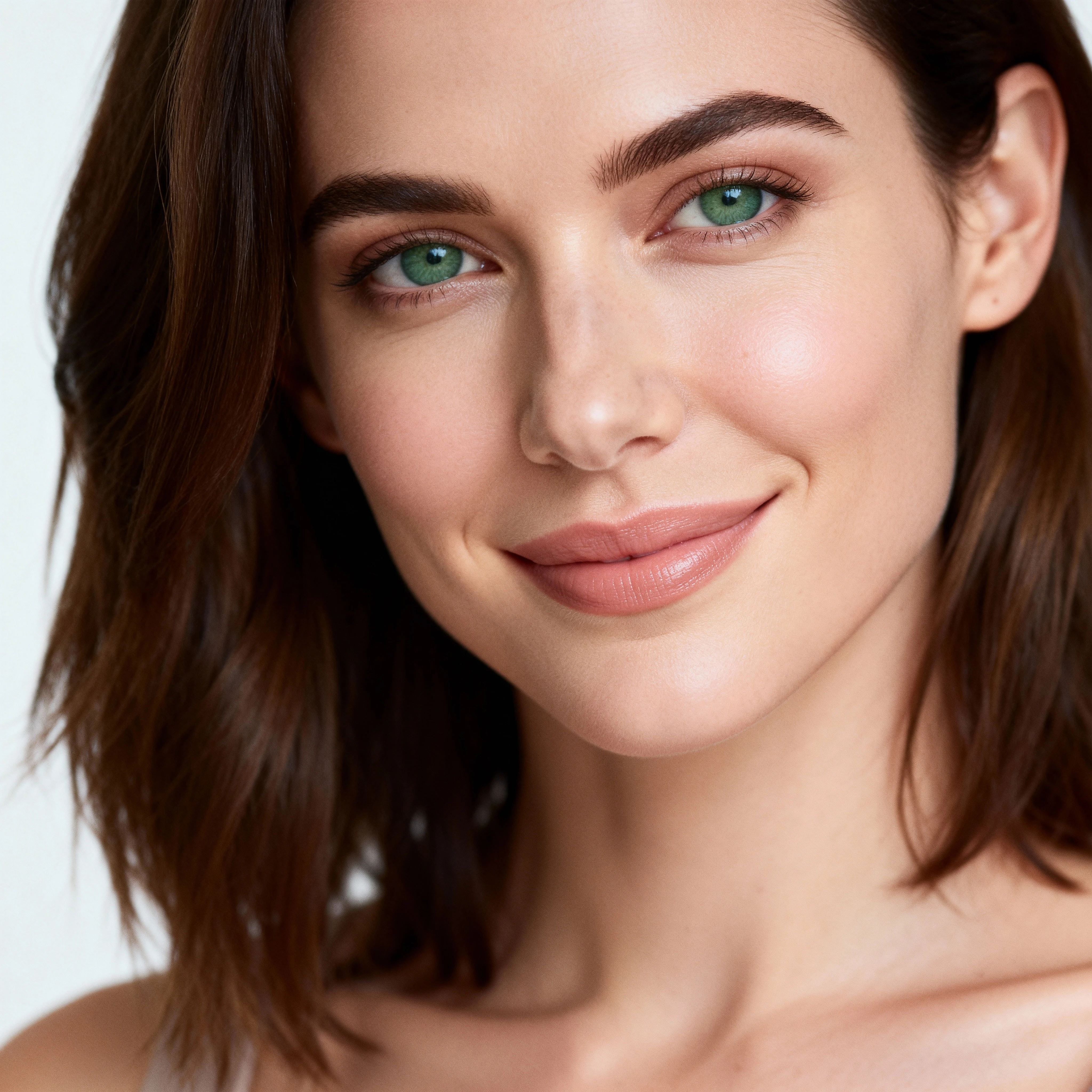
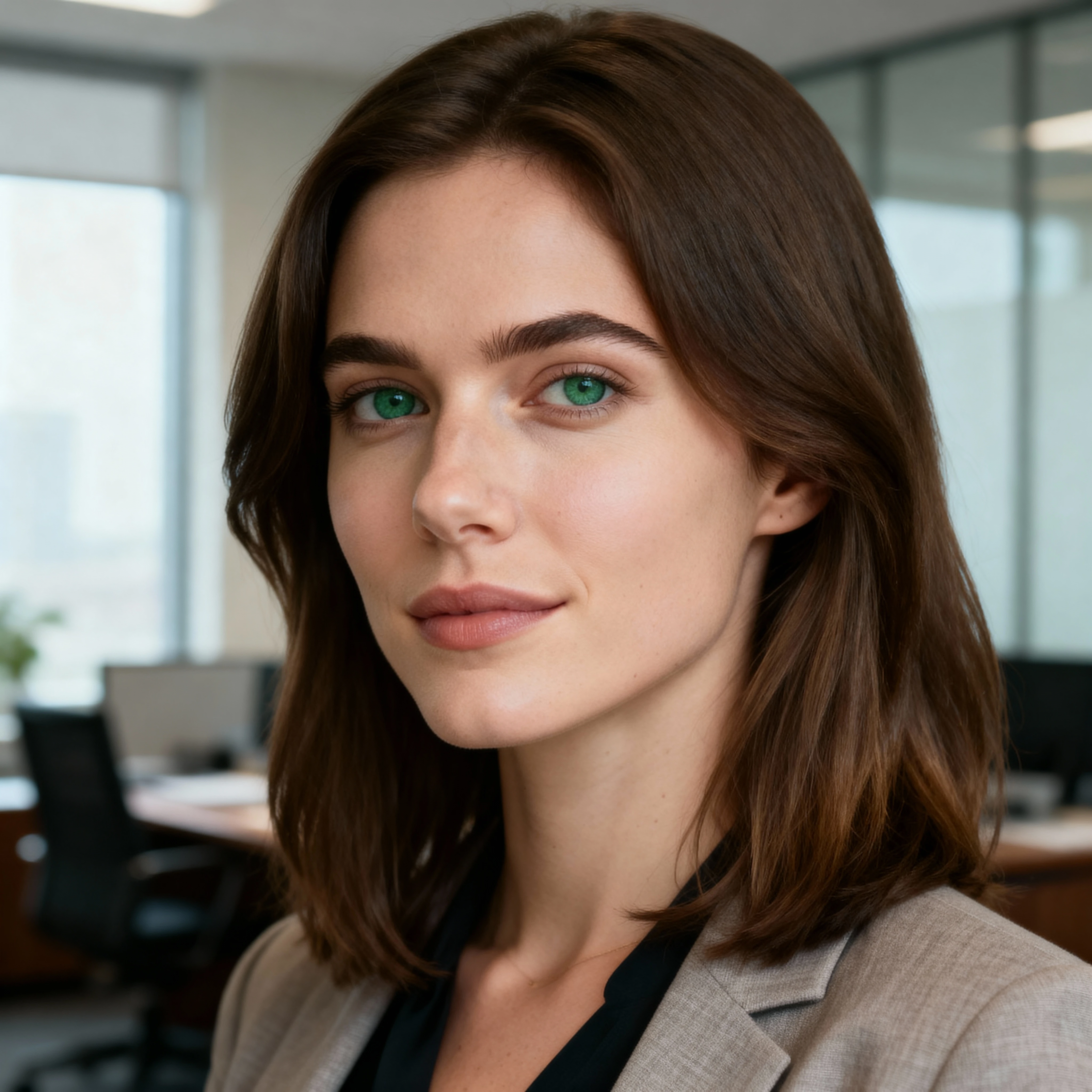
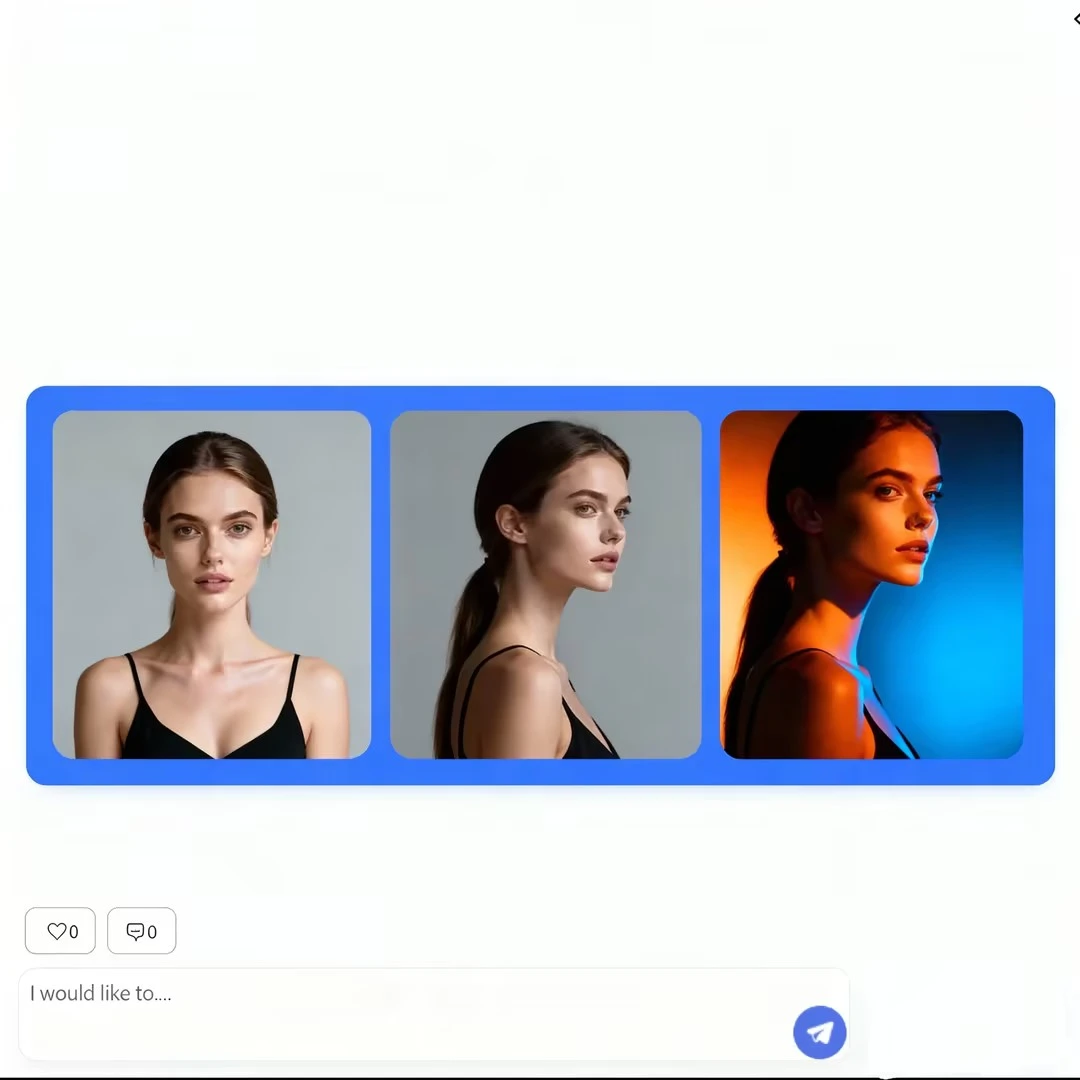
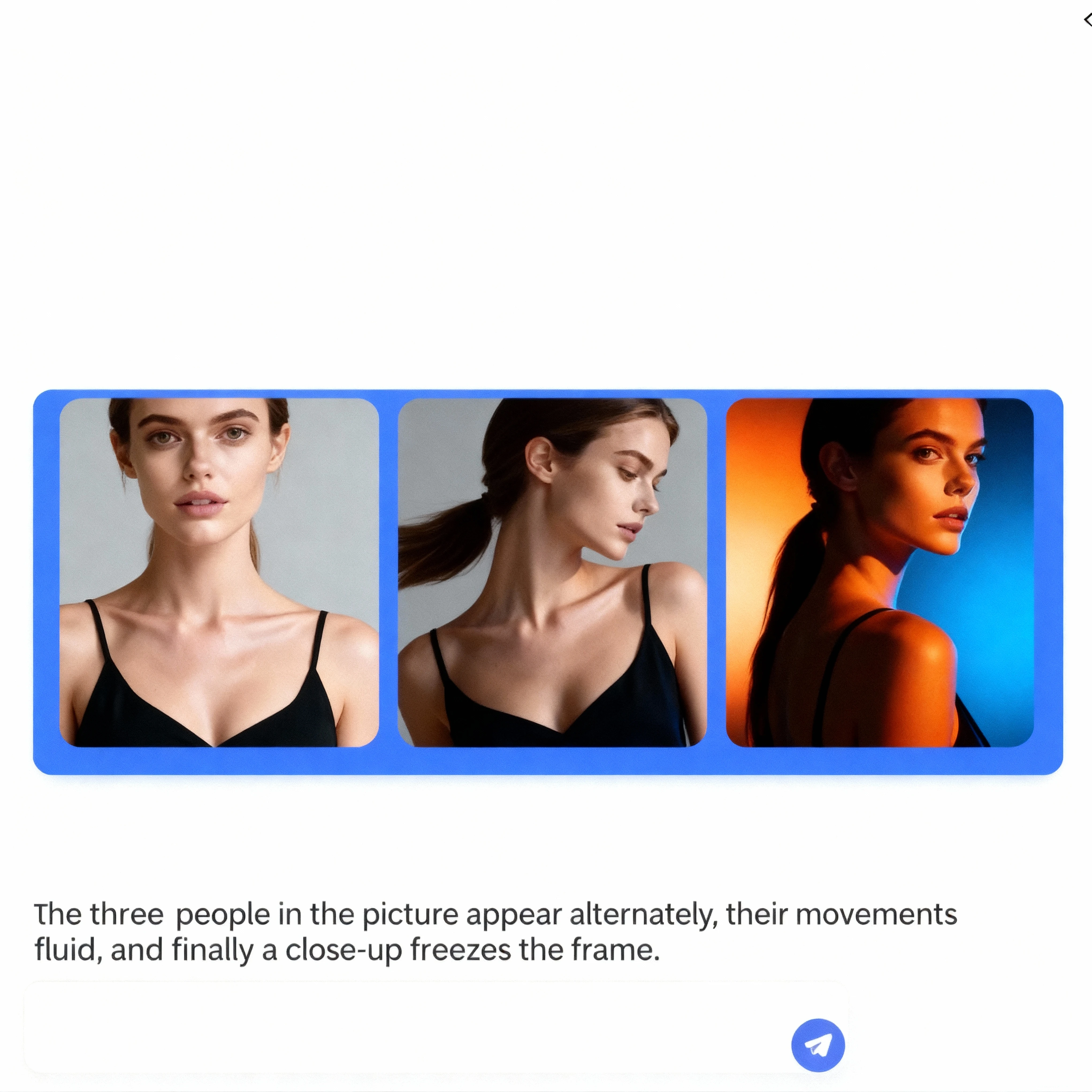
Kling O1 multiple reference images is a powerful feature that allows you to feed several images into the model instead of just one. Rather than relying on a single noisy or ambiguous reference, Kling O1 can analyze multiple views of the same subject, or different examples of the same style, and merge them into one coherent understanding. This dramatically improves consistency in character appearance, pose, lighting, and background when you generate AI video from multiple images.
For creators who need reliable character continuity, branded visual identity, or stable scene design, Kling O1 multiple reference images is more than a small tweak – it is the foundation of a production-ready pipeline. By giving the model several carefully chosen frames, you reduce hallucination, minimize flicker, and help Kling O1 "lock in" what really matters in your footage. Learn more about core advantages or explore our example gallery.
Why AI Video from Multiple Images Matters
Traditional image-to-video workflows often start from a single still frame. While this is fast, it is also fragile: if that one frame has odd lighting, a distorted face, or an incomplete pose, every generated video frame may inherit those flaws. AI video from multiple images solves this problem by letting Kling O1 learn from a richer visual context.
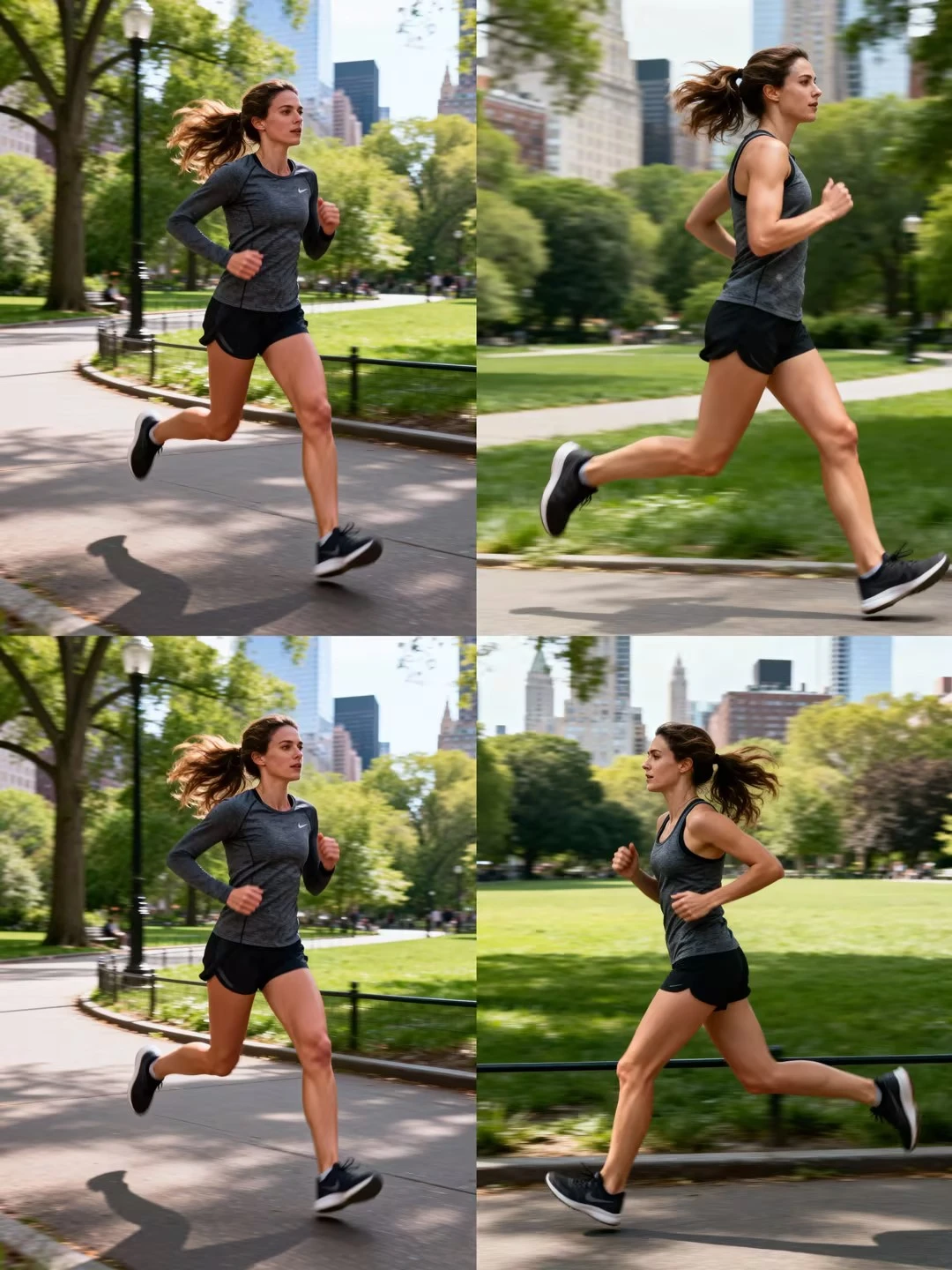
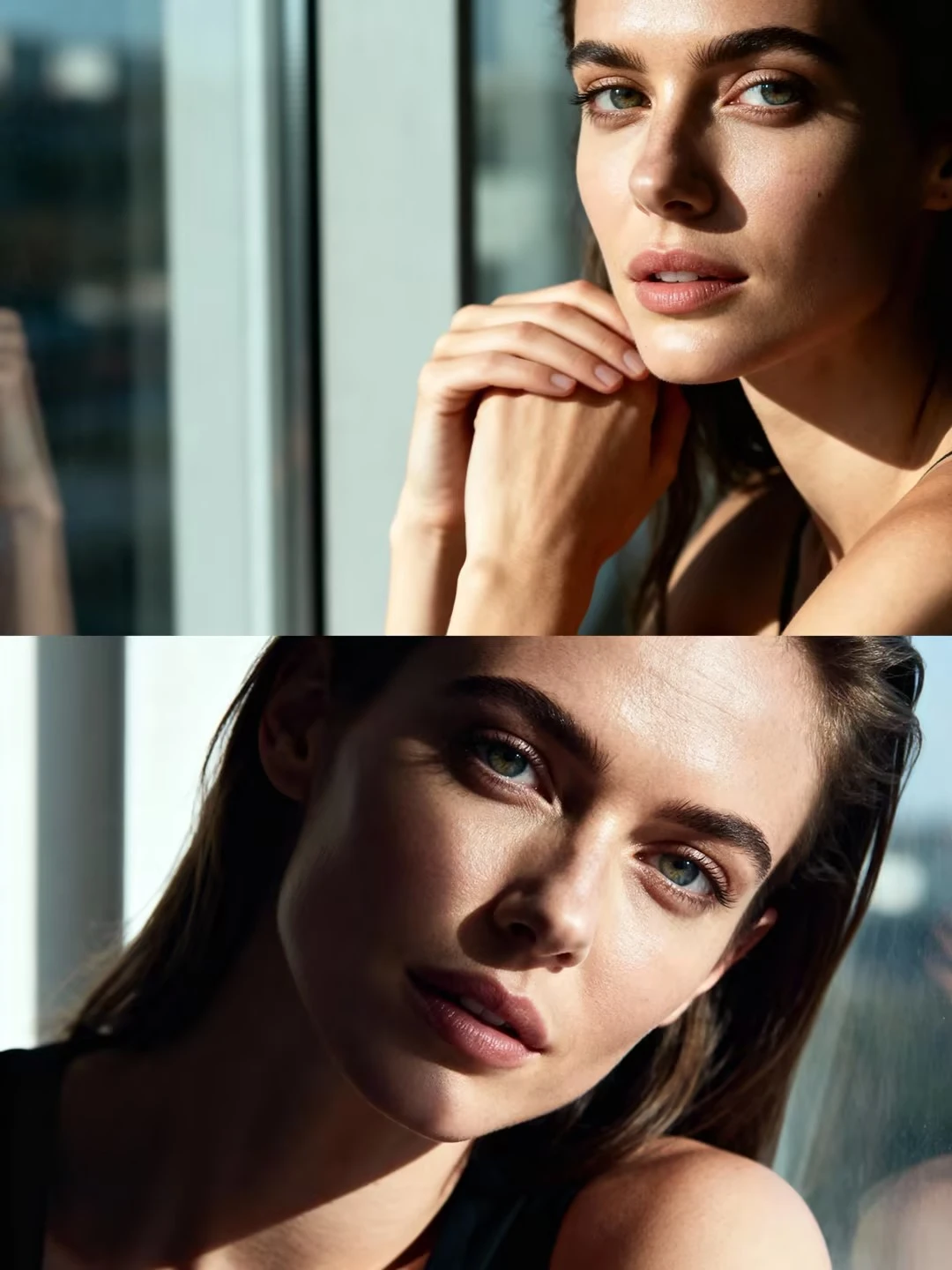
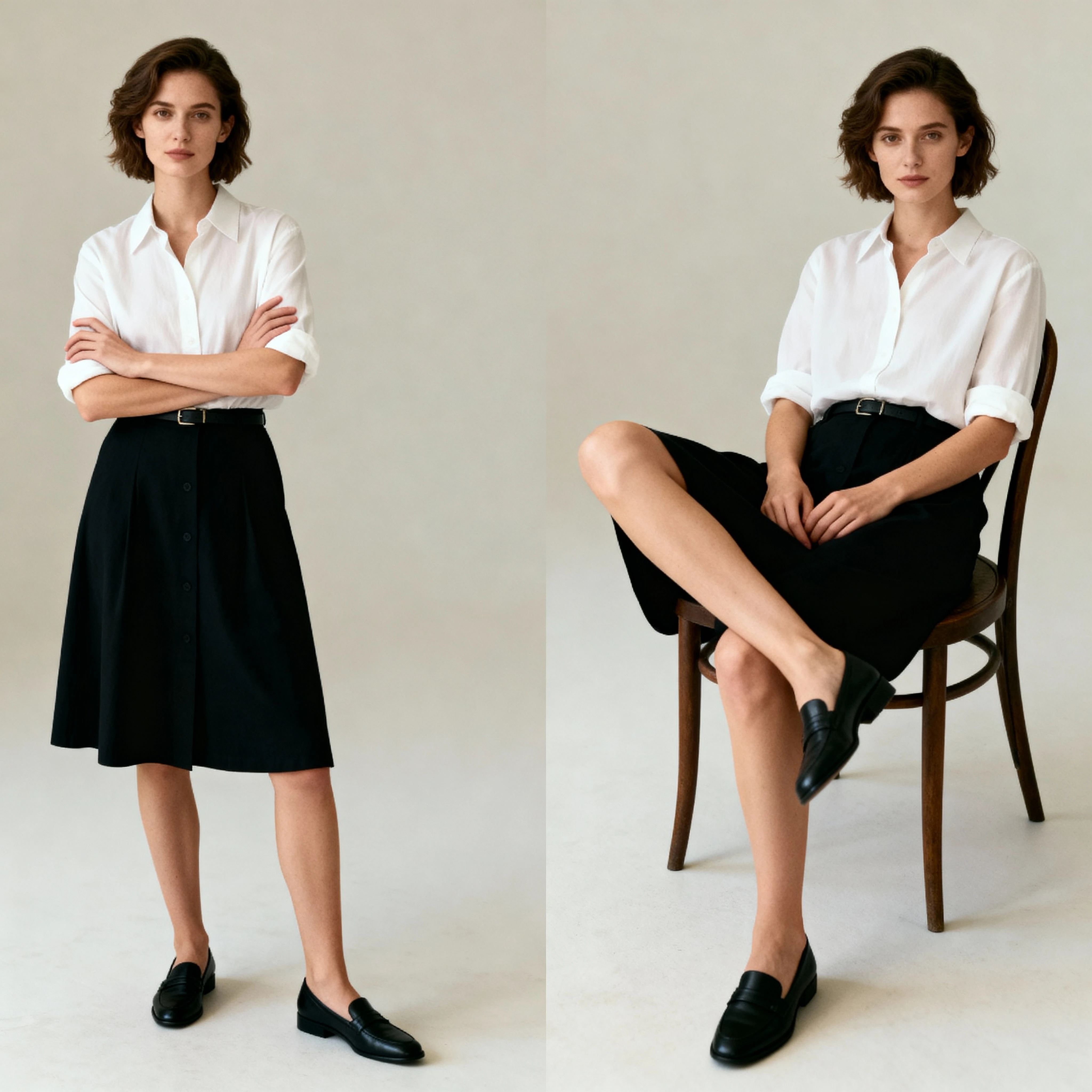
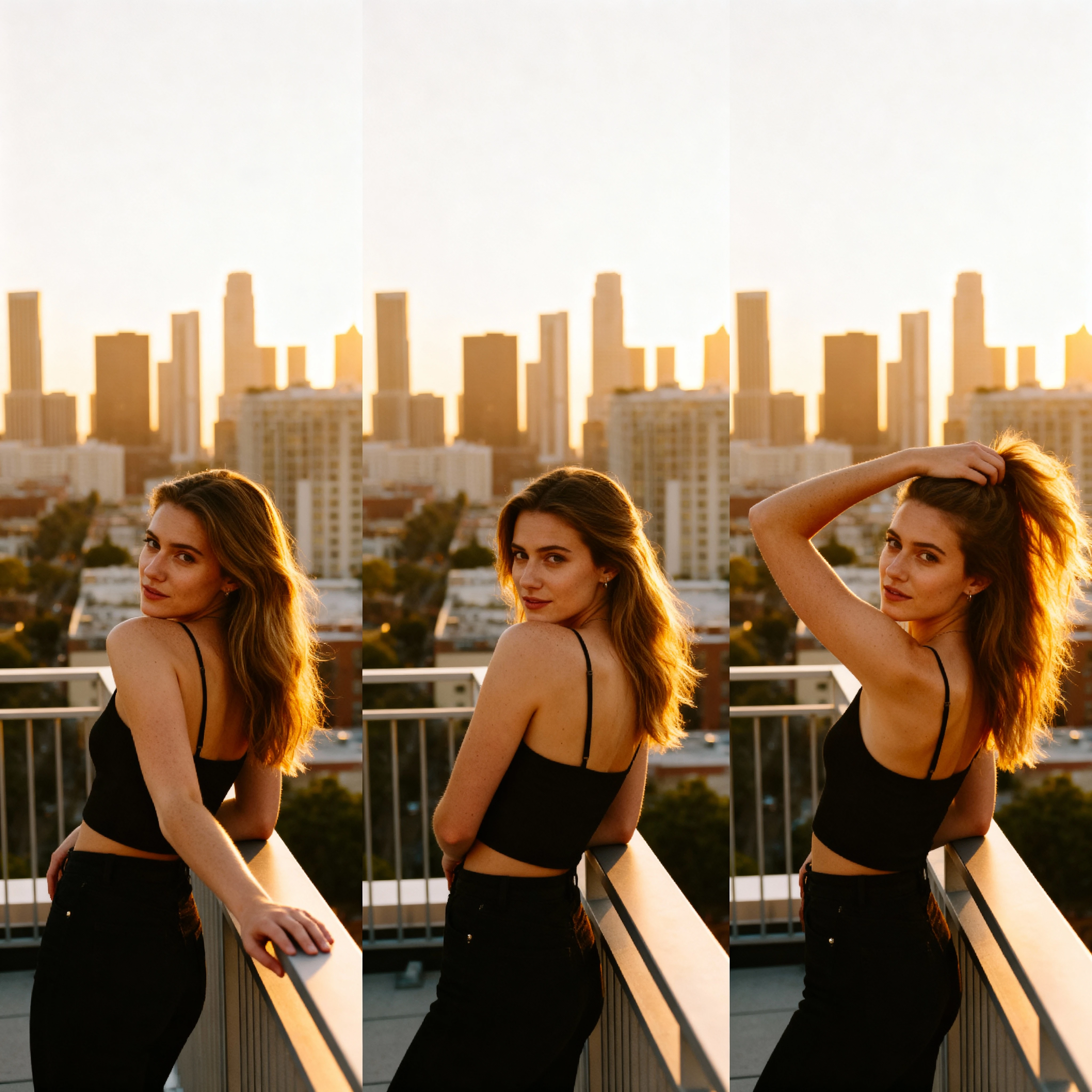
When you create AI video from multiple images, you give the model a mini dataset: front view, side view, close-up, full body, or different outfits in the same style. Kling O1 can then interpolate between these references to produce motion that feels natural, while keeping the identity and style anchored. This is especially valuable when you want AI video from multiple images with style consistency across scenes, episodes, or campaigns.
Best Settings for Kling O1 Multiple Reference Images
To get the most out of Kling O1 multiple reference images, you need more than just good prompts. Choosing the best settings for Kling O1 multiple reference images can be the difference between a noisy experiment and a polished sequence ready for clients.
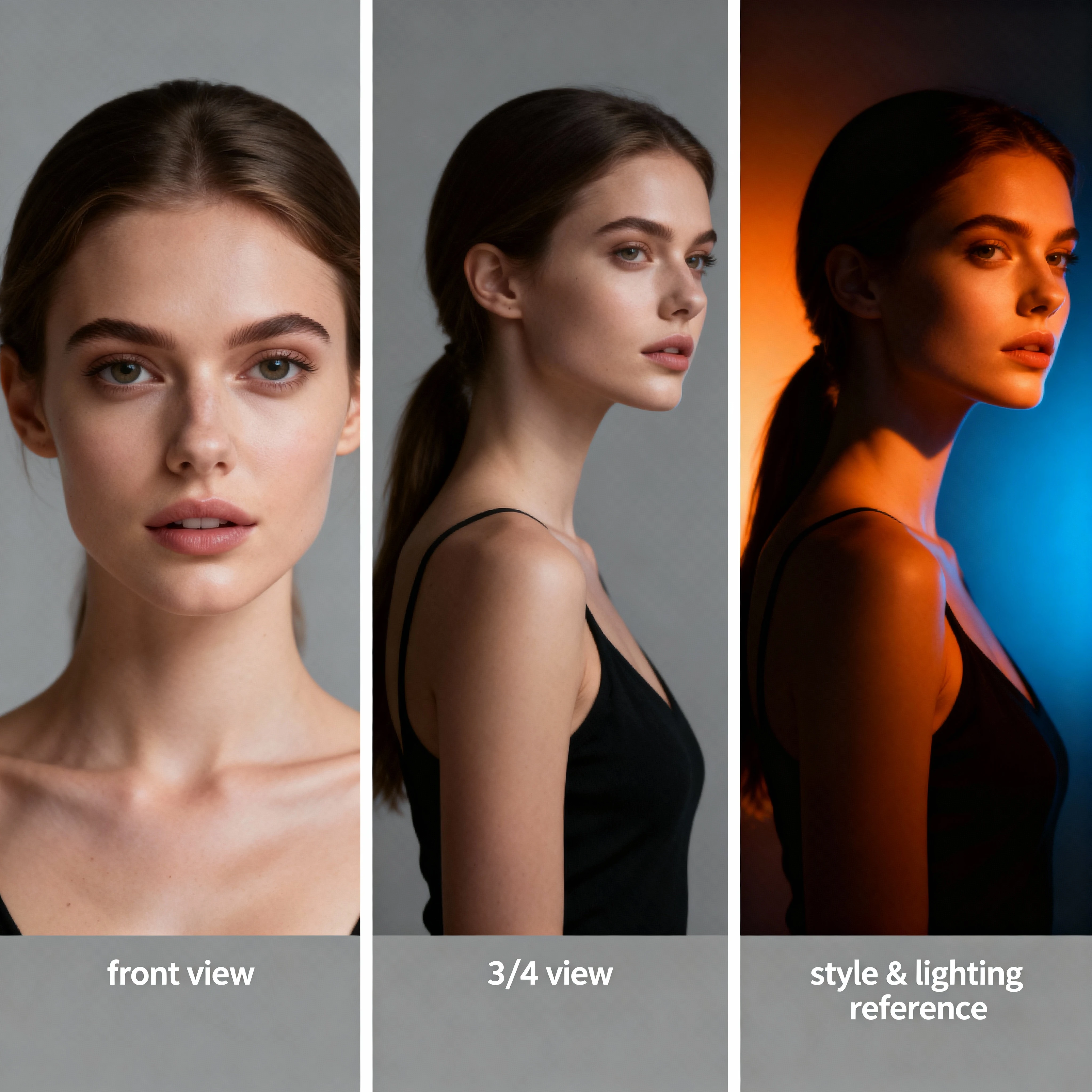
First, be intentional about the number and diversity of your references. In many cases, three to six images strike the right balance: enough variety to teach Kling O1 the subject thoroughly, but not so many that the style becomes inconsistent. Include at least one clean frontal shot, one profile or three-quarter view, and one image that clearly expresses your target style or lighting.
Second, control how strongly Kling O1 should follow those reference images. If your goal is to capture precise identity, keep the reference strength high and the prompt more descriptive than stylistic. When you want AI video from multiple images with style consistency, give Kling O1 a mix of character-focused references and style-focused references, then tune the settings so neither overpowers the other.
AI Video from Multiple Images with Style Consistency
One of the most valuable use cases for Kling O1 is AI video from multiple images with style consistency. Here, the goal is not only to keep the same character, but also to preserve the same artistic language: color palette, brushwork or grain, camera angle choices, and overall mood.
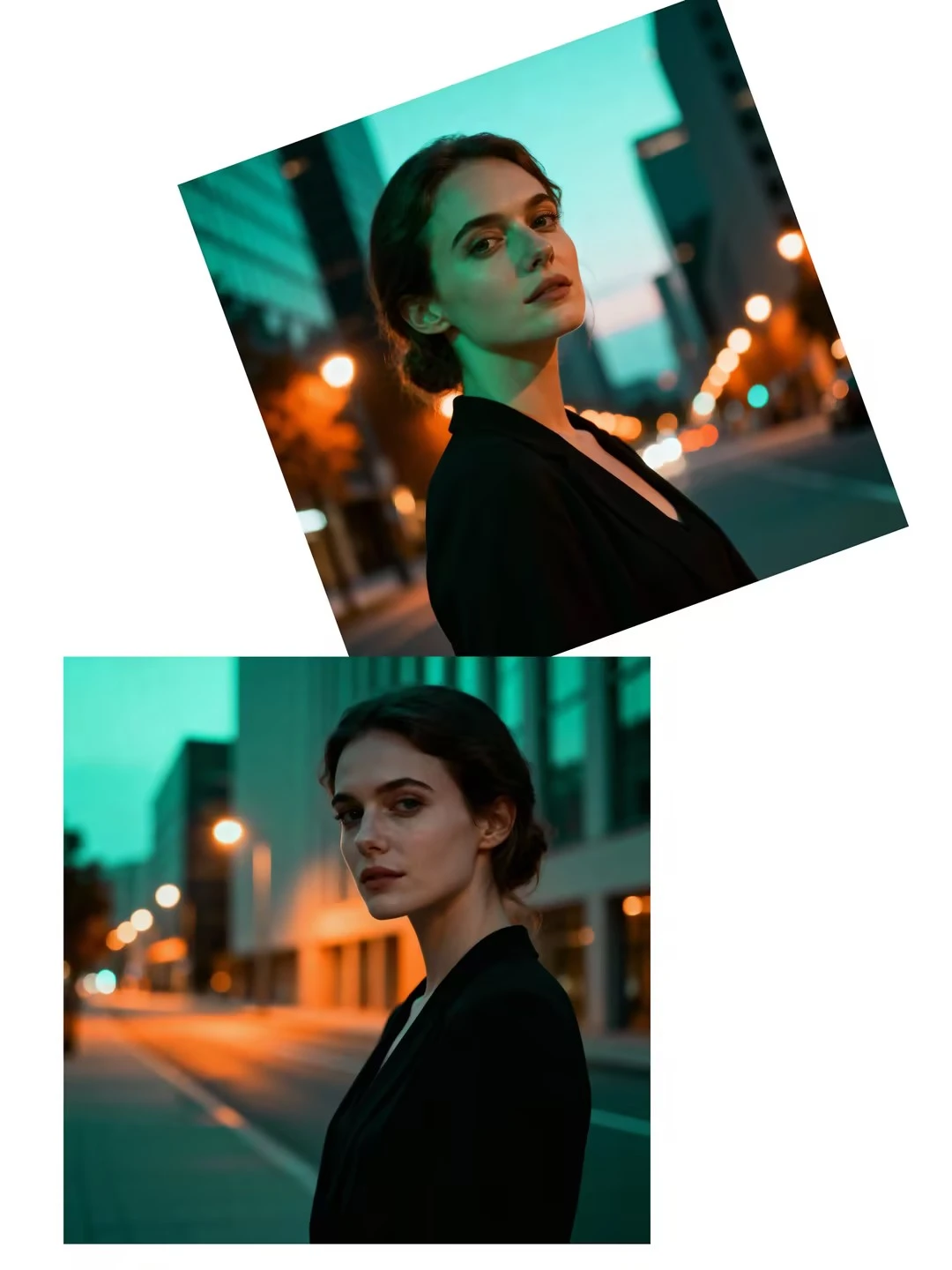
To achieve stable AI video from multiple images with style consistency, treat style like a separate "character." Provide Kling O1 with a few reference images that clearly express your visual direction: maybe a cinematic teal-and-orange grade, a pastel anime look, or a gritty documentary tone. Combine these with your character references so Kling O1 sees both what the subject looks like and how the world around them should be rendered.
How Kling O1 Creates AI Video from Multiple Reference Images
From a creator's perspective, the workflow feels simple; under the hood, how Kling O1 creates AI video from multiple reference images is a layered process. The model first encodes each reference image into a shared latent space, extracting identity cues, pose hints, style descriptors, and background structure. It then fuses these signals into a coherent representation that guides every generated frame.
During generation, Kling O1 repeatedly consults this fused representation to answer three questions: "Who is in the scene?", "What style should this look like?", and "How should everything move over time?" Because those answers come from multiple reference images instead of one, the model is less likely to drift or invent new faces and styles halfway through the clip.
Frequently Asked Questions
Kling O1 multiple reference images is a feature that allows you to feed several images into the model instead of just one. By analyzing multiple views of the same subject or different examples of the same style, Kling O1 can merge them into one coherent understanding, dramatically improving consistency in character appearance, pose, lighting, and background.
For best results with Kling O1 multiple reference images, use 3-6 images. This provides enough variety to teach Kling O1 the subject thoroughly without making the style inconsistent. Include at least one clean frontal shot, one profile or three-quarter view, and one image that clearly expresses your target style or lighting.
The best settings for Kling O1 multiple reference images include: using 3-6 diverse reference images, keeping reference strength high (80-100%) for precise identity capture, balancing character and style references, and adjusting temporal coherence for smoother motion. Test short clips first to find optimal settings for your specific use case.
Yes! To achieve AI video from multiple images with style consistency, provide Kling O1 with reference images that express your visual direction (color palette, lighting, mood) alongside character references. Combine these with detailed text prompts mentioning lighting, medium, and shot type to maintain consistent style throughout the video.
How Kling O1 creates AI video from multiple reference images: The model encodes each reference image into a shared latent space, extracting identity cues, pose hints, style descriptors, and background structure. It then fuses these signals into a coherent representation that guides every generated frame, maintaining consistency in character, style, and motion throughout the video.
Conclusion: Master Kling O1 Multiple Reference Images Today
Kling O1 multiple reference images transforms AI video generation from experimental to production-ready. Whether you're creating character-driven narratives, branded content series, or artistic projects requiring perfect visual consistency, this workflow gives you the control and reliability professional creators demand.
By understanding how Kling O1 creates AI video from multiple reference images and applying the best settings for Kling O1 multiple reference images, you can achieve results that rival traditional animation and live-action production – at a fraction of the time and cost. Start with 3-6 carefully selected references, balance character and style inputs, and iterate on short clips until you find your perfect settings. The future of consistent, professional AI video from multiple images is here, and it's more accessible than ever.