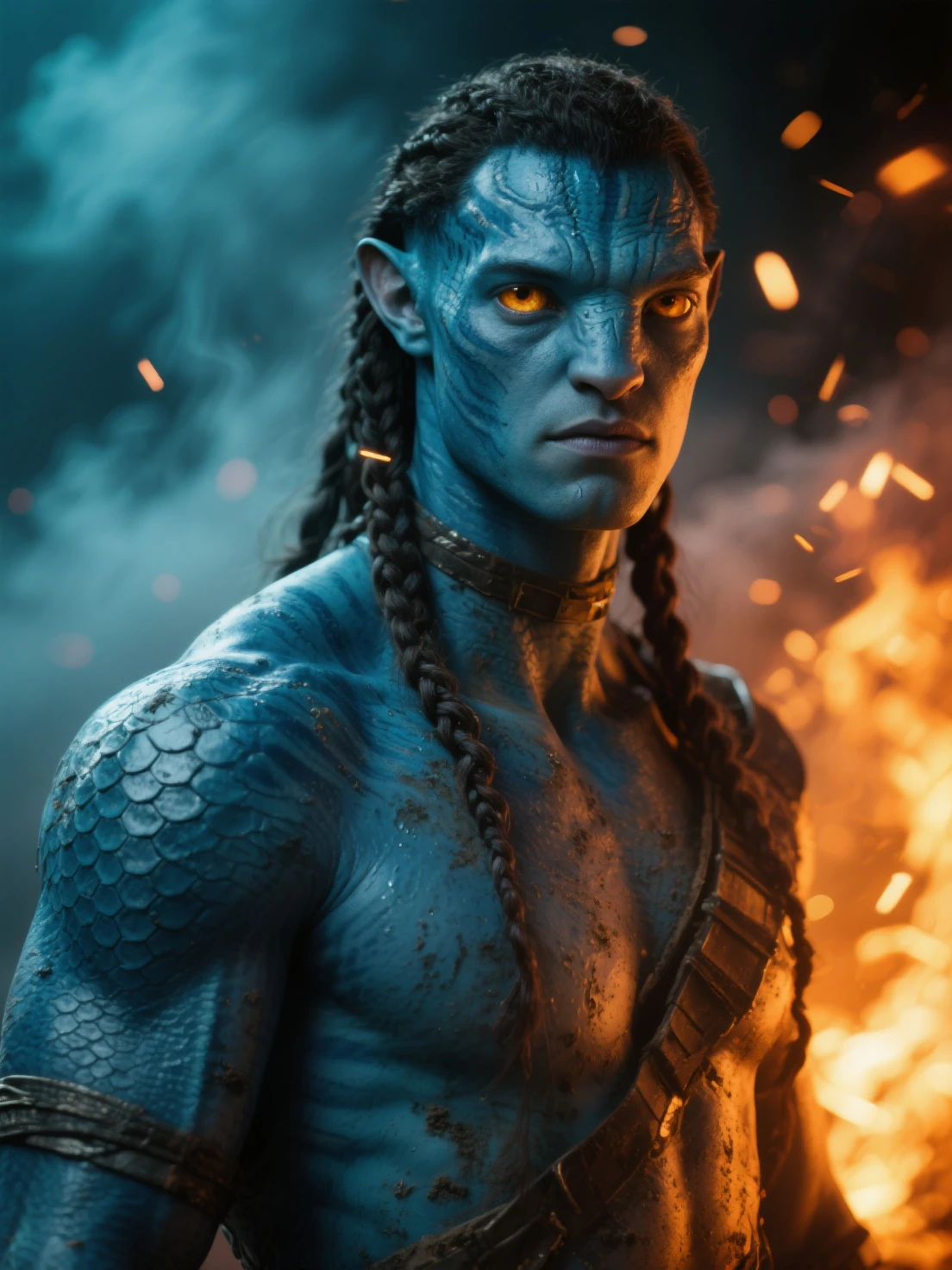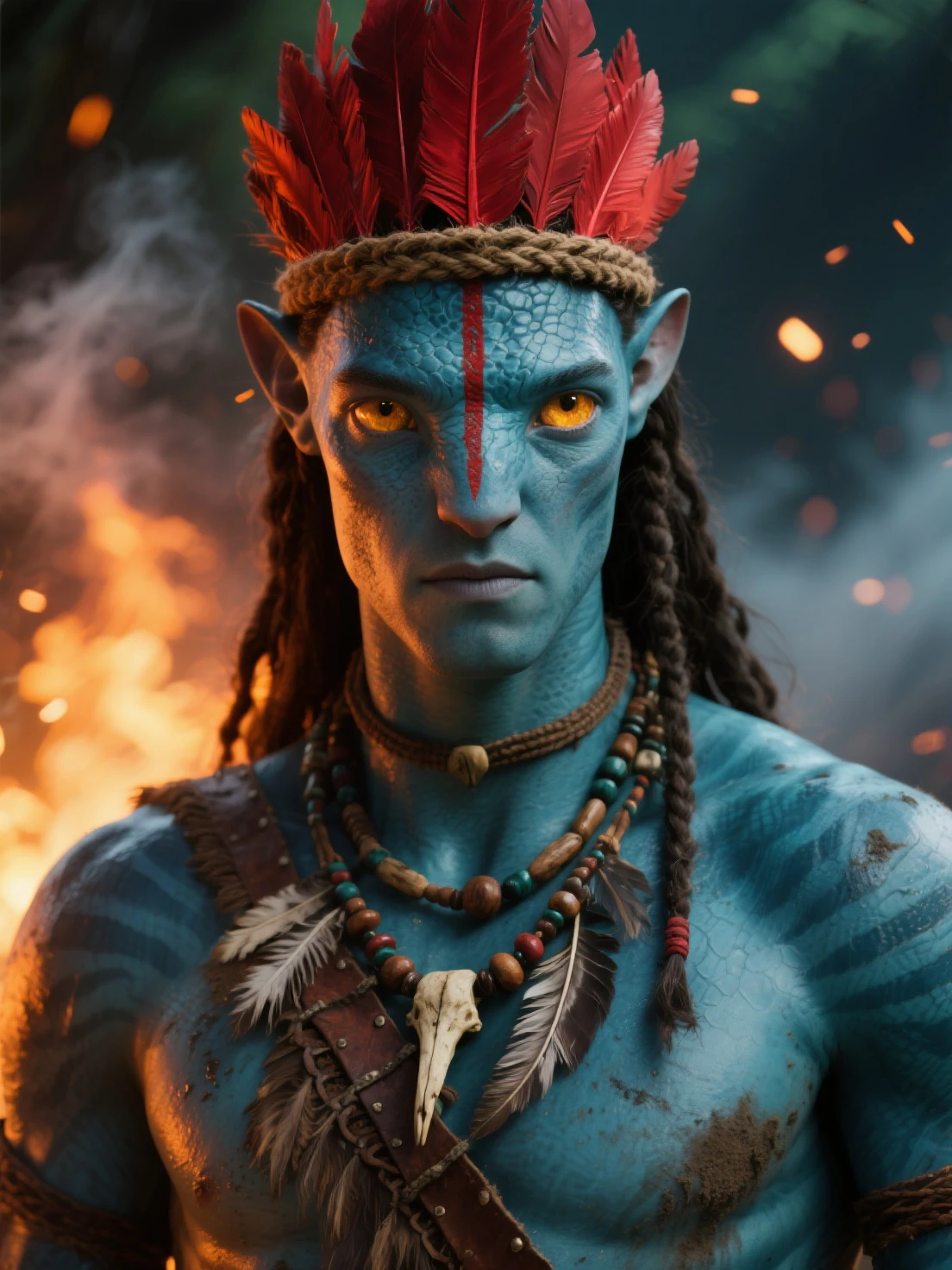
Create a striking blue alien AI avatar from text prompts—no photo upload needed. Follow this step-by-step guide with prompt techniques and descriptive tips to generate a sci‑fi profile picture that looks great. Perfect for gaming, social media, or creative projects.
A blue alien avatar is popular for a reason: it's instantly recognizable, visually bold, and still flexible enough to match your vibe—cinematic, cute, realistic, or stylized. The good news is you don't need a source photo to get a great result. With text‑to‑image, the quality mostly comes down to how you describe the character and how you iterate.
This guide walks you through a simple prompt framework you can use in most text‑to‑image tools. You'll learn how to define a consistent "character recipe," dial in the classic blue‑alien look (blue skin, bioluminescent markings, humanoid features), and adjust settings so your avatar feels polished instead of random. Whether you're making a profile picture for Discord, a gaming platform, or just experimenting with AI avatar generators, this workflow will help you generate something that actually looks intentional.
Start with a simple base: blue humanoid, portrait view, simple background. Add one signature feature like bioluminescent markings or glowing patterns. Keep the prompt under 50 words. Example: "Blue-skinned humanoid alien, bioluminescent facial markings, tribal patterns, portrait view, neutral background, sci-fi aesthetic"
Add specific details to your prompt: describe skin texture (smooth, matte, slightly reflective), lighting direction (soft front light, rim glow), and mood (serene, mysterious, confident). The more precise your words, the more consistent your results. Focus on visual qualities you can describe in plain language.
Generate, review, adjust. If the blue looks unnatural, soften the lighting. If features are too abstract, add "realistic" or "detailed". Small prompt changes create noticeable improvements. Save the versions you like and iterate from there to build your perfect blue alien AI avatar.
A good blue alien AI avatar prompt has four parts: core traits (blue skin, humanoid features), signature details (bioluminescent markings, tribal patterns), lighting (soft glow, rim light), and composition (portrait, headshot, close-up). This structure helps the AI understand what matters most and prevents results from looking random.
Start simple and add complexity gradually. If your first result is too abstract, add terms like "realistic texture" or "detailed skin". If it's too photographic, try "stylized" or "digital art aesthetic". The key is keeping your prompt focused—describe one character with clear features, not a scene with multiple elements.
Try It NowThe key to great blue alien avatars is in the descriptive details. Instead of just saying "blue skin," try "smooth matte blue skin with subtle texture". Instead of "glowing," specify "soft bioluminescent glow from facial markings, warm blue-white light". These precise descriptions help the AI understand exactly what you're visualizing.
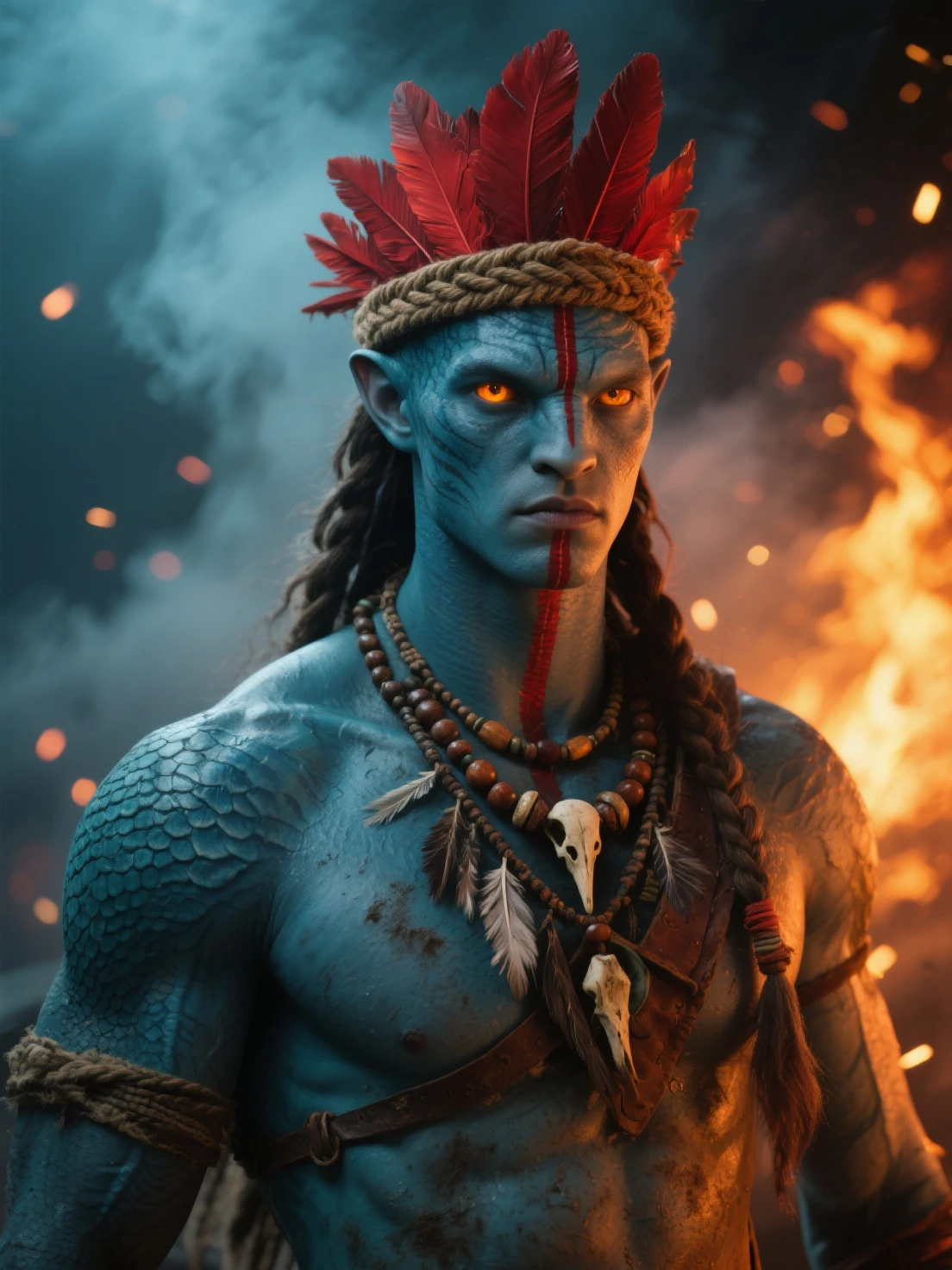
Layer your descriptions systematically: start with physical traits (blue humanoid, large eyes, pointed ears), add surface qualities (skin texture, markings), describe lighting (soft, rim, glow), and finish with atmosphere (mysterious, serene, cinematic). This structured approach gives the AI clear guidance without needing any technical parameters—just clear, vivid language.
Start CreatingBlue looks unnatural? Add "matte blue skin" or "realistic skin texture" to reduce oversaturation. Features too abstract? Include "humanoid facial structure" or "detailed eyes". Lighting feels flat? Try "soft rim light" or "subtle glow from markings". Small tweaks like these often fix 80% of issues.
If you're not happy with a result, don't restart from scratch. Save the image, note what needs changing, and adjust one element at a time. This systematic approach helps you understand what each term does and builds your prompt-writing intuition. After a few iterations, you'll develop a personal "recipe" for blue alien AI avatars that consistently delivers.
Create AvatarText-to-image generation means you describe what you want—blue skin, glowing patterns, sci-fi vibe—and the AI builds it from scratch. No upload required.
Generate multiple variations in minutes. Test different markings, lighting, and styles until you find a blue alien avatar that matches your vision.
Control every aspect—skin tone, bioluminescence intensity, facial features, background. Your avatar is unique because your prompt is unique.
Export crisp, high-quality images suitable for profile pictures, gaming avatars, or print. No pixelation, no watermarks, no compromise.
Most AI avatar generators offer free tiers or trials. Experiment without commitment and upgrade only when you're ready for more generations.
Download your blue alien AI avatar without watermarks. Get high-quality images you can use freely for any purpose without restrictions.
Start broad, then narrow. Begin with a general concept like "blue-skinned humanoid alien, portrait" and see what the AI produces. If it's close, add specifics. If it's way off, simplify your prompt—sometimes less is more.
Use reference language carefully. Terms like "Na'vi-style" can work but may trigger copyright-related filtering or produce inconsistent results depending on the tool's training data. Stick to descriptive terms like "bioluminescent patterns" or "blue alien tribal markings" for safer, more controllable outputs.
Save your best prompts. When you generate a keeper, document the exact wording you used. Build a personal collection of phrases that consistently deliver good results. Note which descriptive terms work well for skin texture, lighting, and facial features—these become your go-to vocabulary for future blue alien AI avatars.
"This guide made it so easy to create my custom blue alien avatar! The prompt tips were spot-on. Got amazing results on my first try. No watermarks, just pure creativity!"
"Finally, a straightforward guide without all the technical jargon! Generated 5 different alien avatars in under 30 minutes. The descriptive technique approach is brilliant—works every time."
"Absolutely stunning results! The bioluminescent glow effects are incredible. Friends keep asking where I got my avatar. This is the resource I've been searching for!"
No. Text-to-image generation means you describe what you want—blue skin, glowing patterns, sci-fi vibe—and the AI builds it from scratch. No upload required.
Keep lighting consistent, avoid extreme saturation, and use neutral terms like "matte blue skin" or "realistic texture". The goal is blue, but still believable as a living being.
Yes. Many users generate blue alien avatars specifically for gaming profiles, social media, or creative accounts. Just export at the right resolution and crop to your platform's aspect ratio.
Start with core traits (blue skin, humanoid features), add one signature element (bioluminescent markings, tribal patterns), describe lighting (soft glow, rim light), and keep the composition simple (portrait, headshot, close-up).
Most AI avatar generators complete in 30-90 seconds per image. You can iterate quickly—test a prompt, review the result, refine your description, and generate again until you achieve the look you want.
It depends on the tool's terms of service. Most allow personal and commercial use for generated images, but always check the specific platform's license before selling or distributing your blue alien AI avatars.
Ready to generate your own blue alien AI avatar? Use the prompt framework, refine your descriptions, and iterate until you have a sci-fi profile picture that looks exactly how you imagined. Start with a simple description and layer in details—your perfect avatar is just a few prompts away.