Chestnut Multi‑Style Image Generation

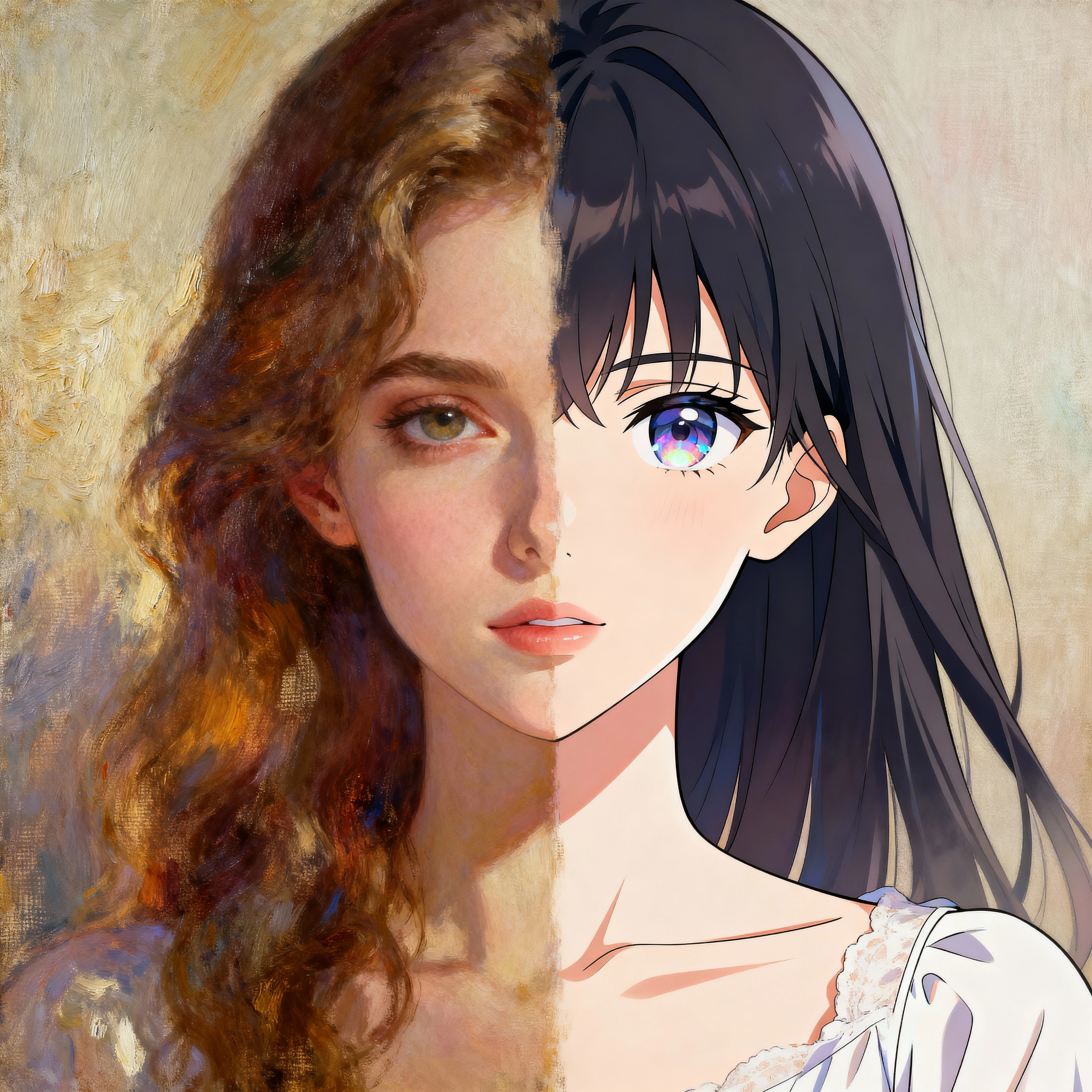
Blend different art styles naturally in one seamless composition. Create unique AI art that combines anime, realistic, cartoon, painterly, and more—all fused together with Chestnut's revolutionary multi-style technology.

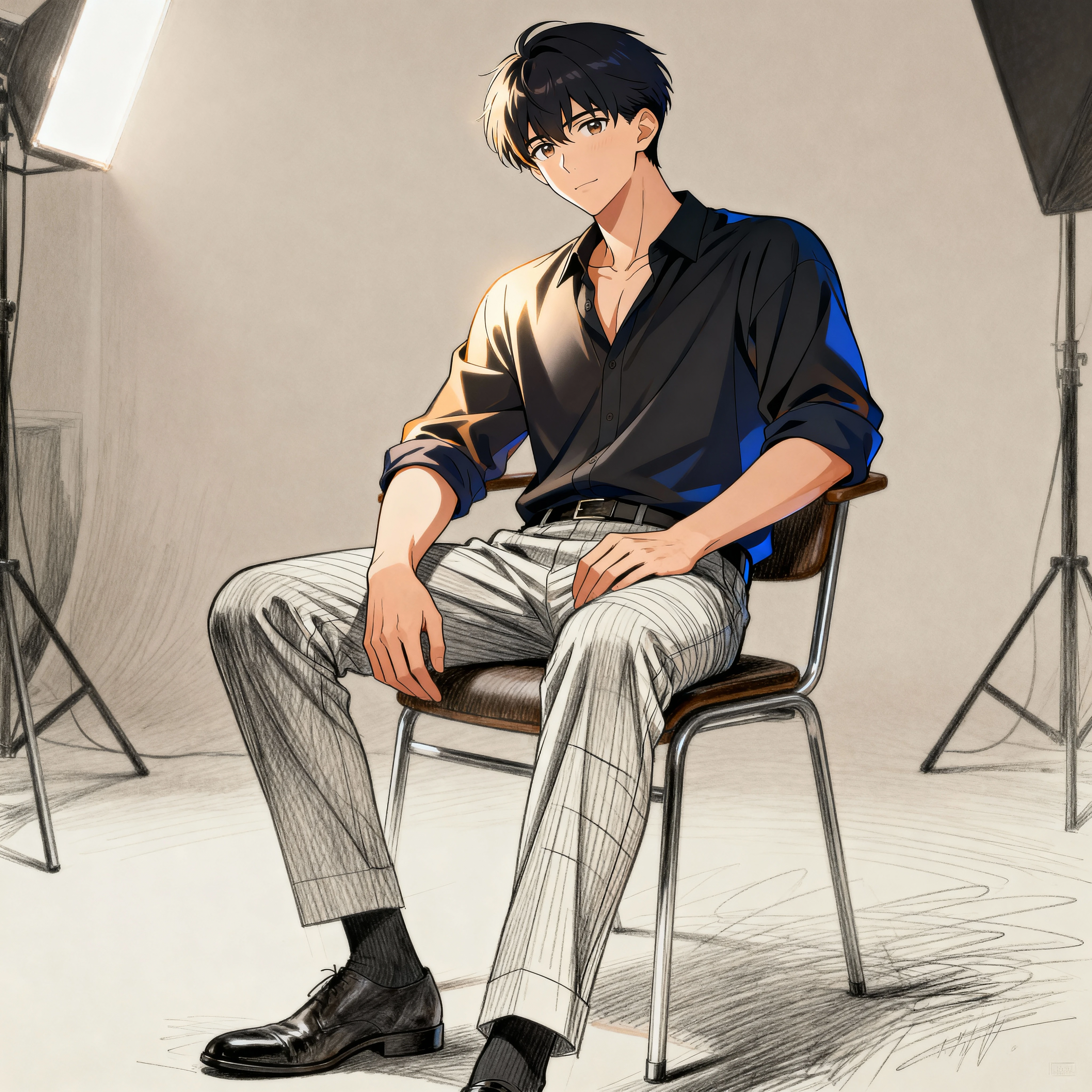
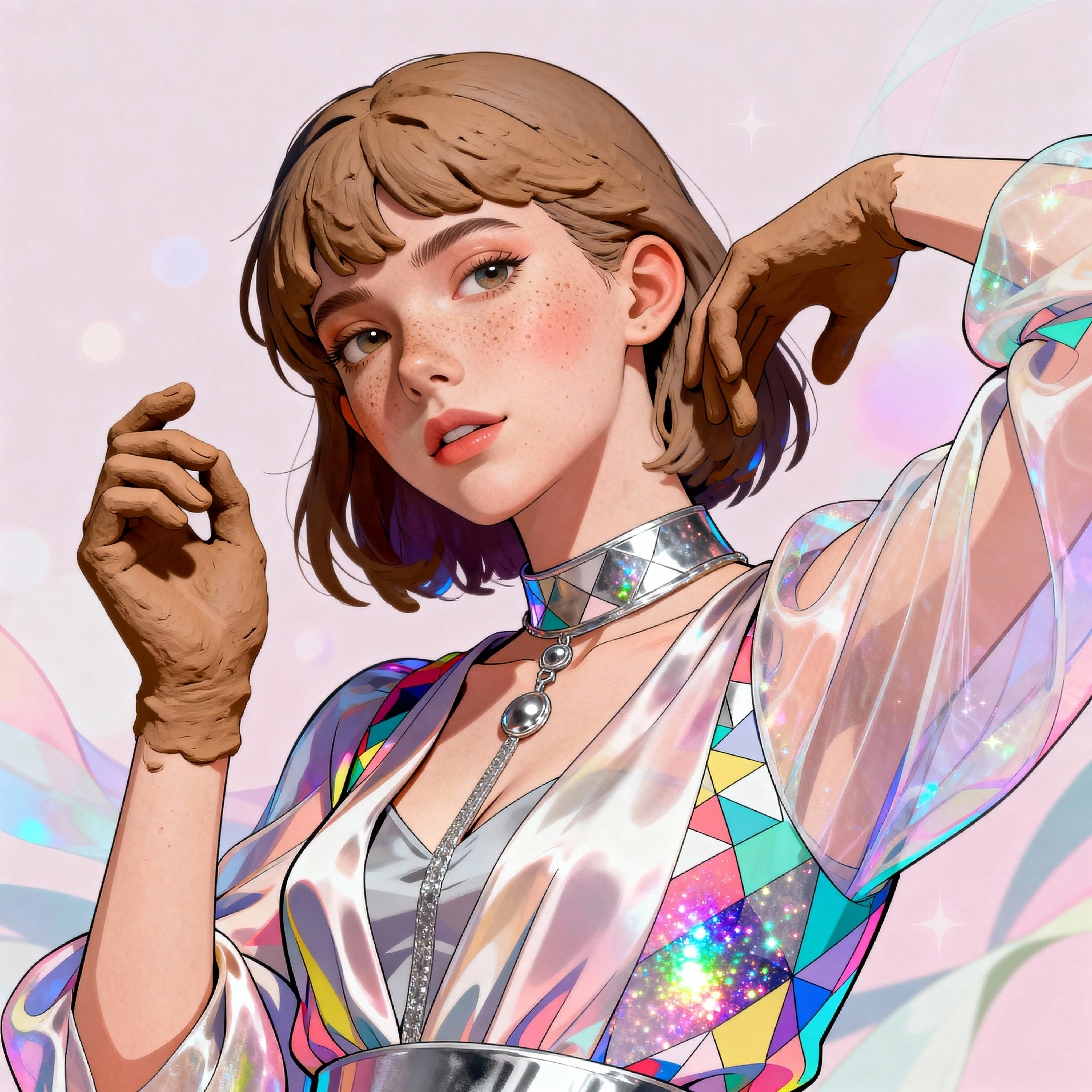
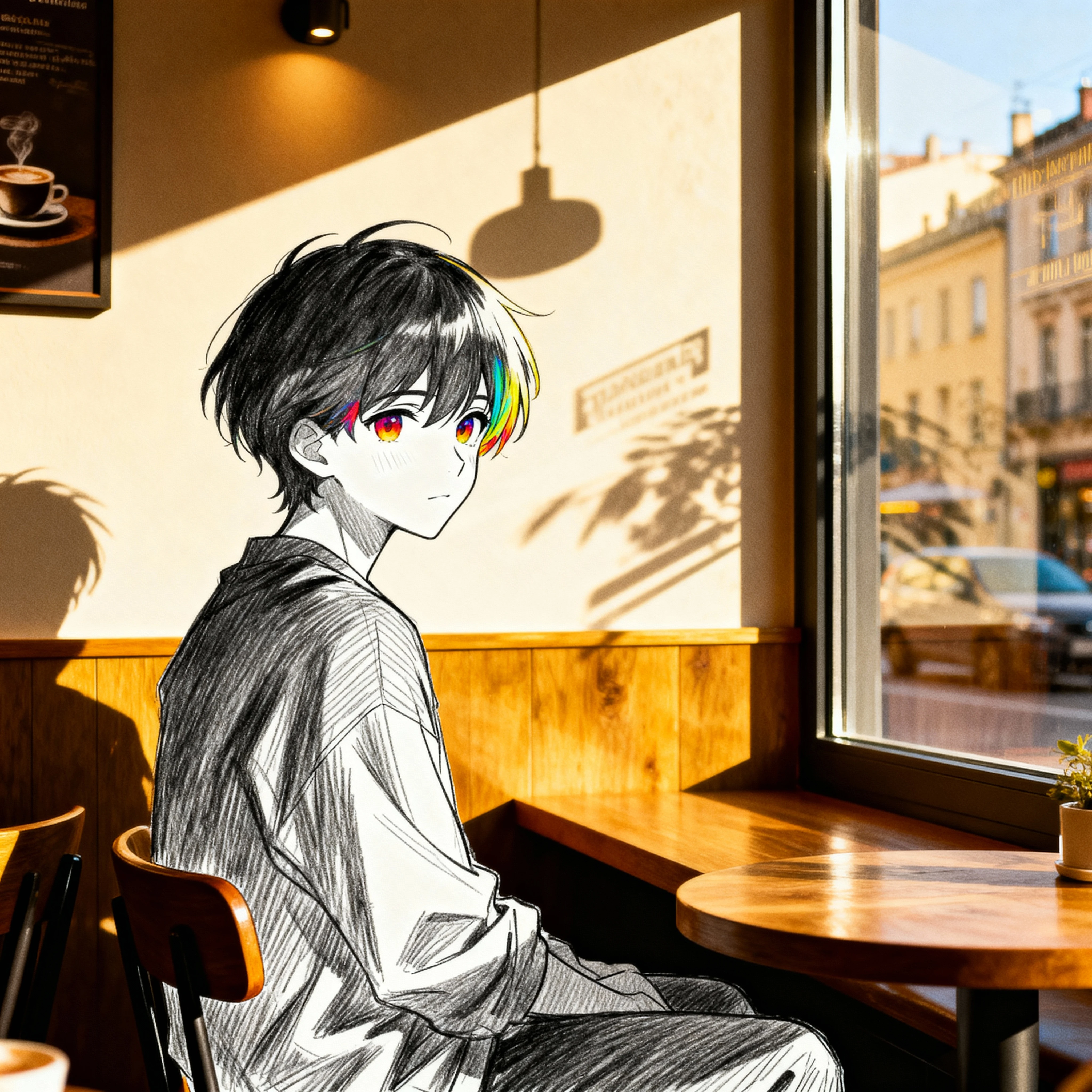
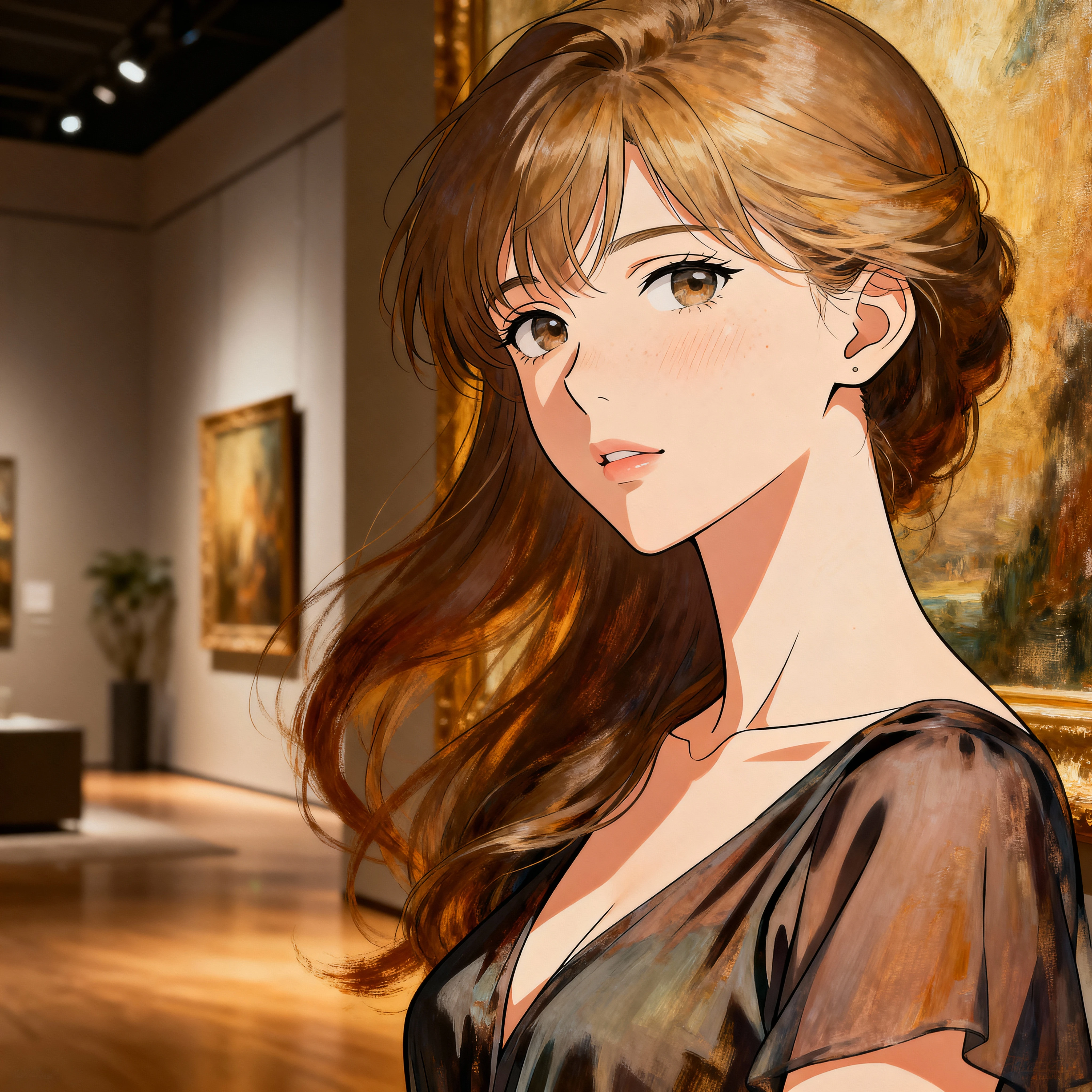
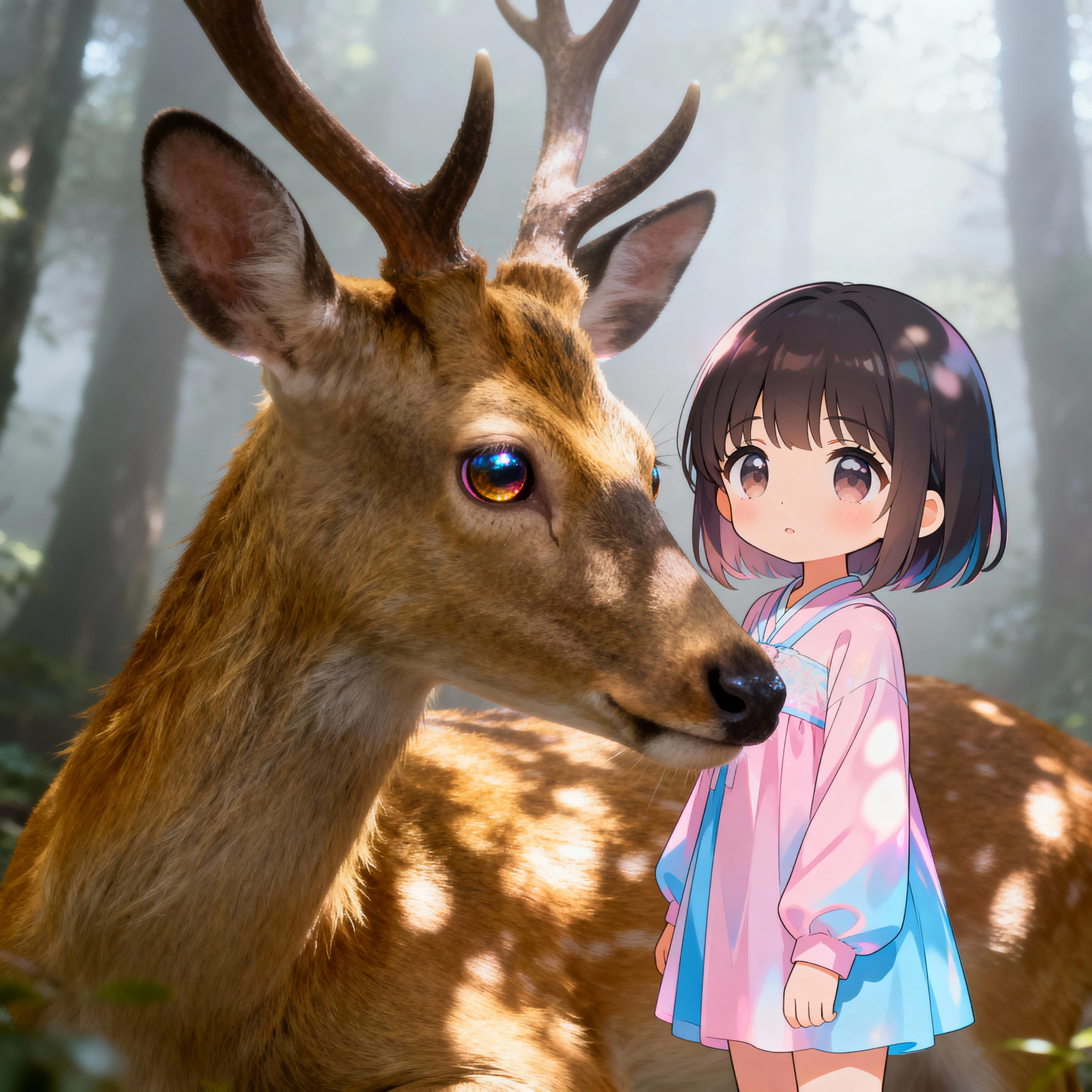
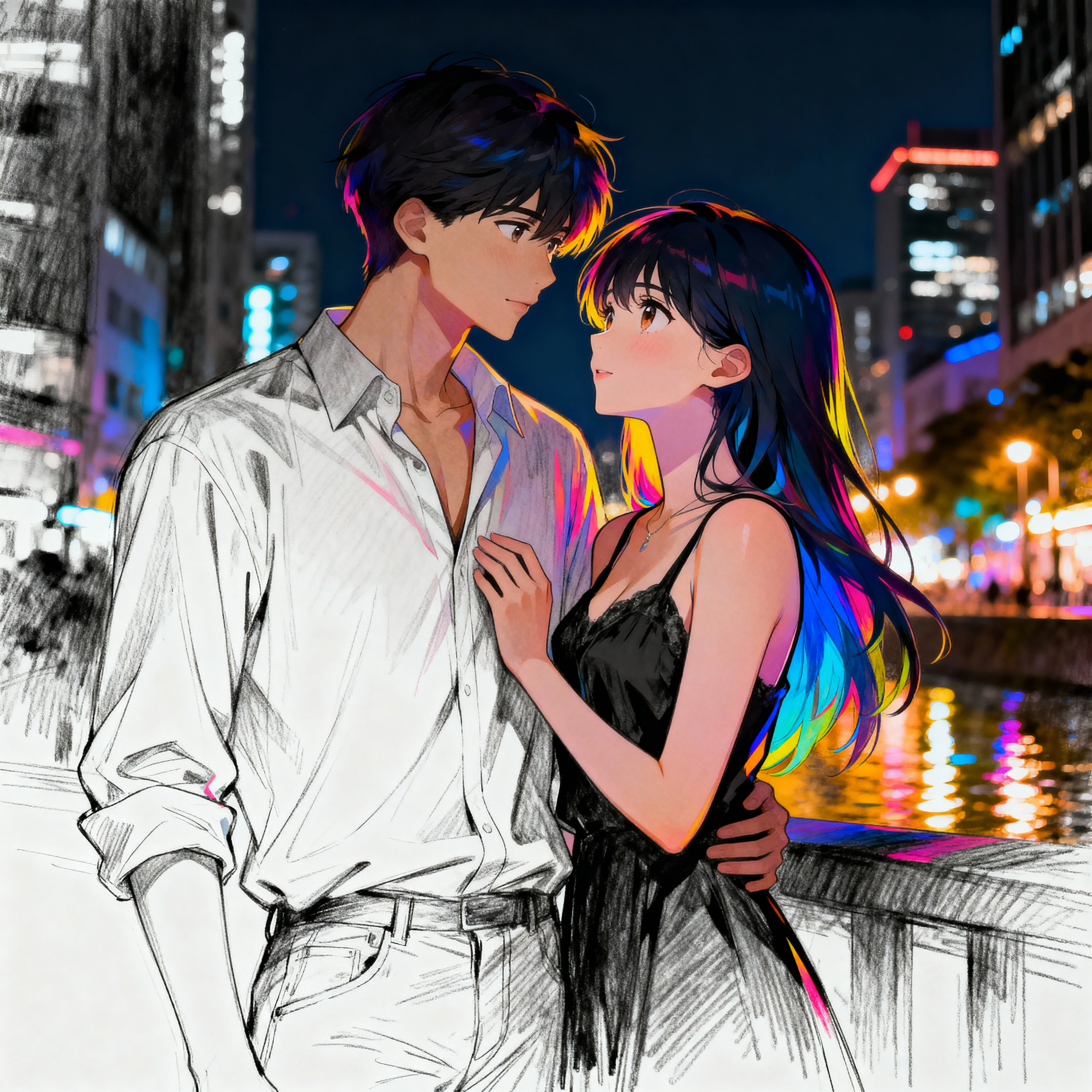
Experience the power of Chestnut multi style image generation ✨. Unlike traditional AI tools that lock you into a single aesthetic, Chestnut lets you create images with multiple art styles naturally fused in one composition. Blend anime characters with realistic backgrounds, combine painterly textures with graphic elements, or mix any visual styles you imagine—all while maintaining natural lighting, coherent perspective, and seamless transitions 🎨.

Powerful Multi-Style Fusion Features

Natural Art Style Fusion

Chestnut multi style fusion goes beyond simple filters. Our AI analyzes structure, lighting, color, and texture to produce Chestnut mixed art styles in one image that feel cohesive and intentional. Blend anime with realistic, cartoon with painterly, or any combination you imagine—without harsh transitions or awkward collages. The result is harmonious artwork where different visual languages coexist naturally.

Try Multi-Style Fusion

Anime and Realistic Style Blending

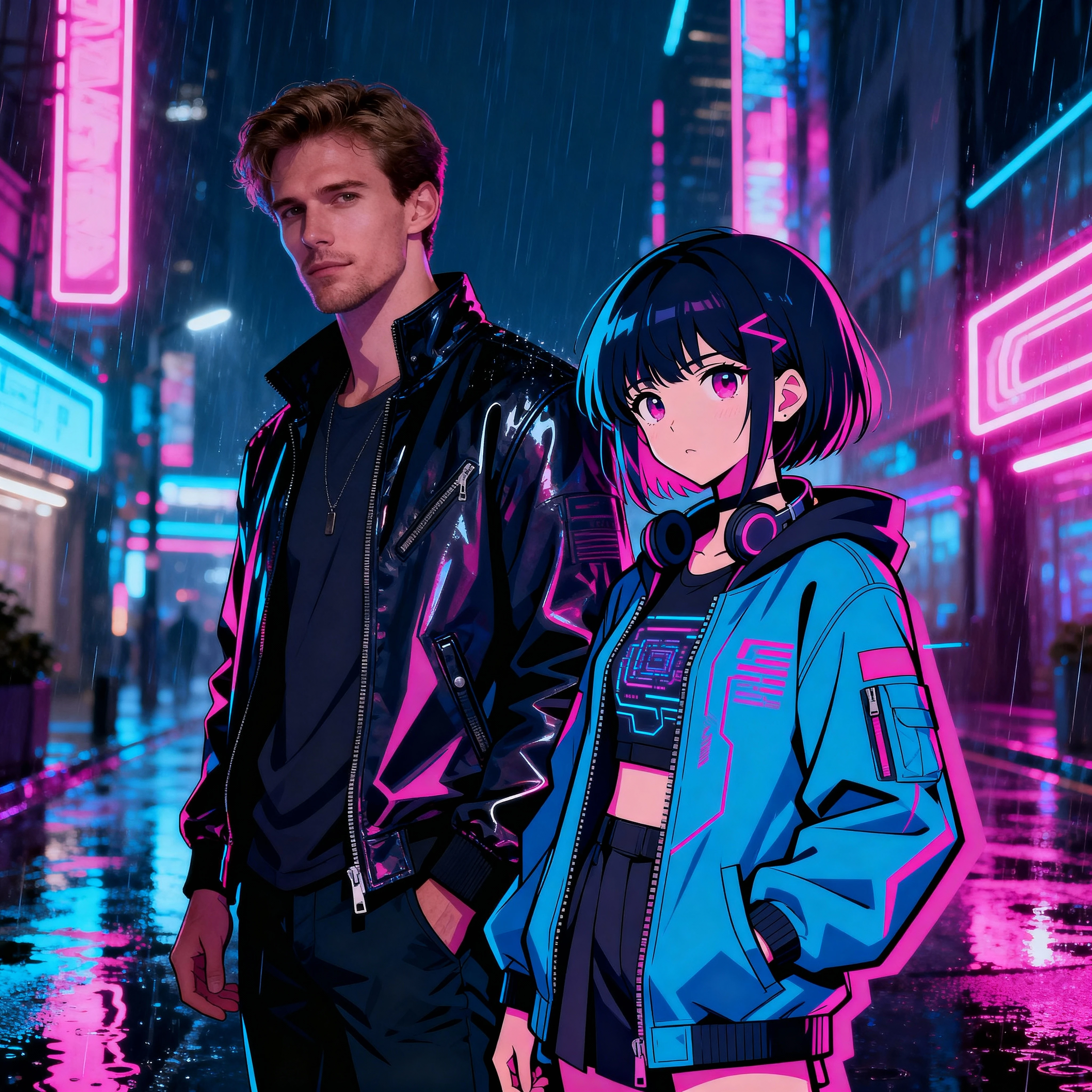
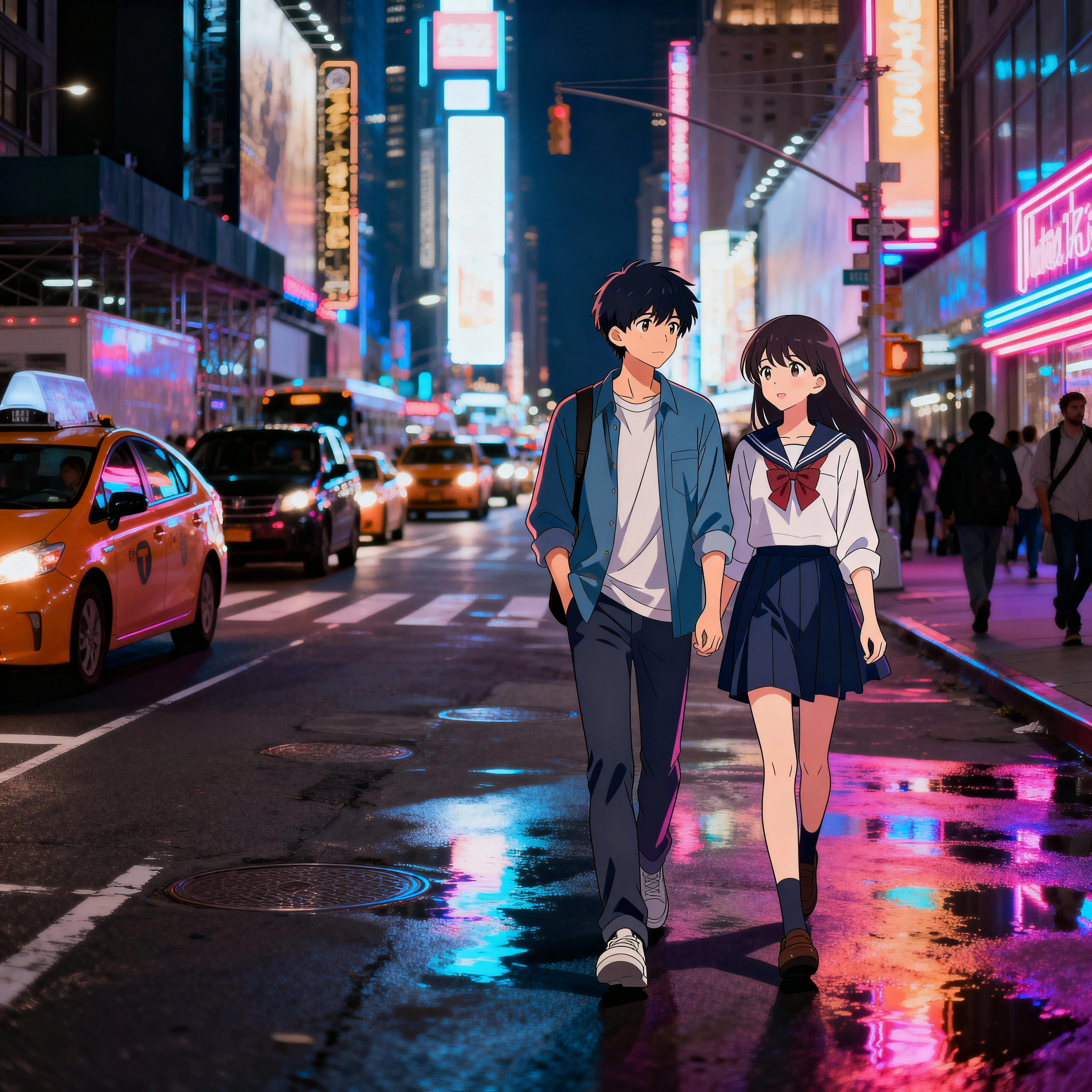
One of Chestnut's strongest features is Chestnut AI for combining anime and realistic styles. Place stylized anime characters into photorealistic cityscapes while maintaining believable lighting and perspective. Our model is trained to keep characters expressive and environments coherent, even when mixing vastly different aesthetics—perfect for editorial art, concept work, and creative campaigns.

Create Hybrid Artwork

Multi-Style Composition for Creative Projects

Use Chestnut multi style composition for creative projects that demand experimental yet polished visuals. Perfect for album covers, posters, key visuals, branding campaigns, concept art, and portfolio work. Control which parts of your image lean toward which style—realistic lighting with graphic textures, painterly backgrounds with cel-shaded characters, or any creative direction you envision.

Explore Use Cases

Why Choose Kiira for Multi-Style Image Generation

Kiira powered by Chestnut delivers professional-grade multi-style AI art with unmatched quality and consistency. Experience the difference with our core advantages designed for serious creators.

No Watermark Downloads

Download your multi-style artworks in pristine quality without any watermarks. Every image you create is 100% yours—ready for commercial use, portfolios, client presentations, or personal projects without restrictions.

Professional Output
🎨

Superior Generation Quality

Kiira's advanced Chestnut engine produces stunning multi-style compositions with natural transitions, coherent lighting, and artistic harmony. No awkward artifacts, broken details, or inconsistent styles—just polished, gallery-worthy AI art every time.

Premium Quality
🔒

Perfect Character Consistency

Upload your reference image and Kiira maintains exact character appearance across different art styles. Unlike other tools, your character's face, features, and identity stay 100% consistent—whether blending anime with realism or mixing painterly with photographic styles.

Core Advantage

Understanding Chestnut Multi-Style Image Generation

Chestnut multi style image generation opens up a new way to think about AI art. Instead of being forced to choose only one aesthetic, you can create images with multiple art styles using Chestnut and let them coexist naturally in a single picture. Whether you love anime, realistic painting, cartoon, concept art, or graphic illustration, Chestnut AI makes it easy to combine them in one seamless composition without harsh edges or awkward transitions.

Traditional AI art tools usually lock you into a single style per image. With Chestnut, multi style image generation is part of the core experience. The model is designed to understand different visual languages at the same time and deliver a natural fusion of different art styles, so your final artwork feels intentional and cohesive, not like a messy collage.

What Makes Chestnut Multi Style Fusion Unique?

The key strength of Chestnut multi style fusion is how naturally it blends visual languages that would normally clash. Instead of simply overlaying filters, Chestnut analyzes structure, lighting, color, and texture to produce Chestnut mixed art styles in one image that still looks like a single, unified scene.

With many AI tools, combining anime and realistic styles in one frame often produces broken faces, inconsistent lighting, or strange artifacts. Chestnut AI for combining anime and realistic styles is trained to keep characters believable and the environment coherent, even when parts of the image follow different aesthetics. You can place a stylized anime character into a realistic cityscape, or mix painterly backgrounds with graphic, cel‑shaded foregrounds, and the model still maintains depth and harmony.

How to Blend Multiple Styles in One Image with Chestnut

If you are wondering how to blend multiple styles in one image with Chestnut, the workflow is simple but very flexible:

1. Start with a clear base concept
Describe the scene first: subject, environment, mood, and composition. For example: "a girl standing on a bridge at sunset, city skyline in the background, soft warm light."

2. Add explicit style instructions
Then attach the style mix: "anime character, realistic background" or "oil painting landscape with cartoon characters" or "photorealistic lighting with flat graphic textures".

3. Name the styles you want to fuse
To trigger Chestnut AI natural fusion of different art styles, include clear style labels: "anime + realistic + watercolor", or "digital painting + comic book inking".

4. Fine‑tune weights in your prompt
Use wording like "mainly realistic, with subtle anime influence" or "strong anime character style, soft realistic lighting". This helps Chestnut multi style composition for creative projects stay aligned with your priorities.

5. Iterate and refine
Generate several versions and refine your prompt language based on what you like best. Keep the base idea, but adjust which part of the image should lean toward which style.

Creative Use Cases for Multi‑Style AI Art

Chestnut multi style AI art is ideal for creators who want to break the rules of traditional visuals. Here are some powerful applications:

Editorial and cover art: Combine bold graphic shapes with realistic textures to create magazine covers, book jackets, or album art that immediately stands out.

Character in real‑world environments: Use Chestnut AI for combining anime and realistic styles to place stylized characters into photographic or near‑photographic scenes while keeping the lighting and perspective believable.

Hybrid branding and campaign visuals: Produce campaign images that fuse playful cartoon elements with premium, high‑end rendering, perfect for tech, fashion, or entertainment brands targeting younger audiences.

Concept art and mood boards: Quickly explore multiple art directions in one frame—such as half of the scene painted in a dark realistic style and the other half in bright stylized colors—to discuss options with clients or teams.

Prompt Ideas for Chestnut Multi Style AI Art

Here are some practical prompt ideas you can adapt for your own projects:

• "Chestnut multi style image generation of a futuristic city: realistic lighting and materials, anime characters, subtle watercolor background textures."

• "Portrait in Chestnut multi style AI art: half of the face in realistic style, the other half in bold cartoon lines, blended naturally in one composition."

• "Fantasy landscape created with Chestnut multi style fusion, mixing painterly brushstrokes in the sky with crisp graphic shapes in the foreground."

• "Chestnut AI natural fusion of different art styles: anime hero walking through a realistic rainy street, with comic‑style motion lines around the character."

Getting Started with Chestnut Multi-Style Generation

If you have ever felt limited by having to choose just one aesthetic, Chestnut multi style image generation is built for you. Instead of forcing your concept into a single look, you can let different influences coexist—anime, realistic, cartoon, painterly, graphic, and more—in one seamless composition.

Use Chestnut for multi style image generation and naturally fuse different art styles in a single picture. With the right prompts, you can create unique AI art that combines anime, realistic, cartoon, and beyond, all blended together in a way that feels intentional, modern, and ready for real creative projects.
Frequently Asked Questions

Chestnut multi style image generation is a unique AI capability that allows you to create images with multiple art styles naturally fused in one composition. Unlike traditional AI tools that force you to choose a single aesthetic, Chestnut can blend anime, realistic, cartoon, painterly, and other styles seamlessly in the same image while maintaining visual coherence and harmony.

To blend multiple styles with Chestnut: 1) Start with a clear base concept describing your scene, 2) Add explicit style instructions like 'anime character, realistic background', 3) Name the styles you want to fuse (e.g., 'anime + realistic + watercolor'), 4) Fine-tune weights in your prompt ('mainly realistic, with subtle anime influence'), 5) Generate and iterate to refine results.

Yes! Chestnut AI for combining anime and realistic styles is one of its strongest features. The model is trained to keep characters believable and environments coherent even when mixing vastly different aesthetics. You can place stylized anime characters into realistic cityscapes or combine painterly backgrounds with graphic cel-shaded foregrounds while maintaining natural lighting and perspective.

Chestnut multi style fusion stands out because it creates natural, cohesive blends rather than awkward collages. The AI analyzes structure, lighting, color, and texture to produce harmonious results where different visual languages coexist without harsh transitions or artifacts. Most AI tools lock you into one style per image, but Chestnut is built specifically for seamless multi-style compositions.

Chestnut multi style AI art is ideal for: editorial and cover art combining bold graphics with realistic textures, character illustrations in real-world environments, hybrid branding and campaign visuals for modern brands, concept art and mood boards exploring multiple art directions, album covers, posters, key visuals, and portfolio work that needs experimental yet polished aesthetics.

Yes, you can use Chestnut for multi style image generation through our free online platform. Simply access the tool, enter your prompts with style instructions, and generate unique multi-style AI art. The free version includes core features for creating images with multiple art styles, natural fusion capabilities, and high-resolution downloads suitable for creative projects.

Ready to Create Your Multi-Style Masterpiece?

Join creators using Chestnut multi style image generation to blend different art styles naturally in one seamless composition.

Try Chestnut Now Explore Gallery