Natural & Fast

AI Butt Enhancement Photo Editor: Curvy Body Effect

Want a subtle lift, smoother curves, and a more balanced silhouette—without the "over-edited" look? Kiira's AI butt enhancement photo editor helps you create a natural curvy body effect in seconds. Upload a photo, let the tool reshape intelligently, and preview the result instantly.
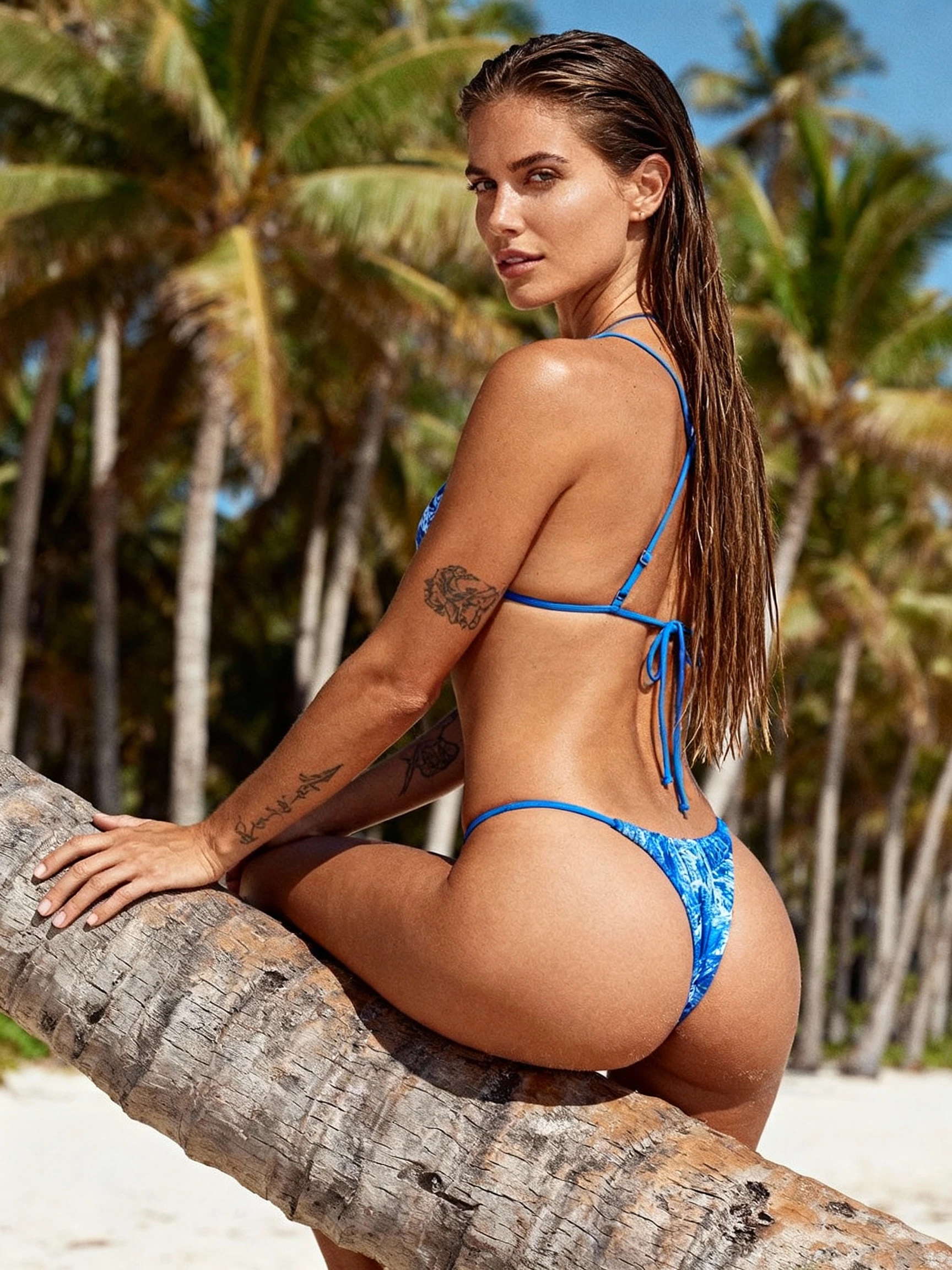
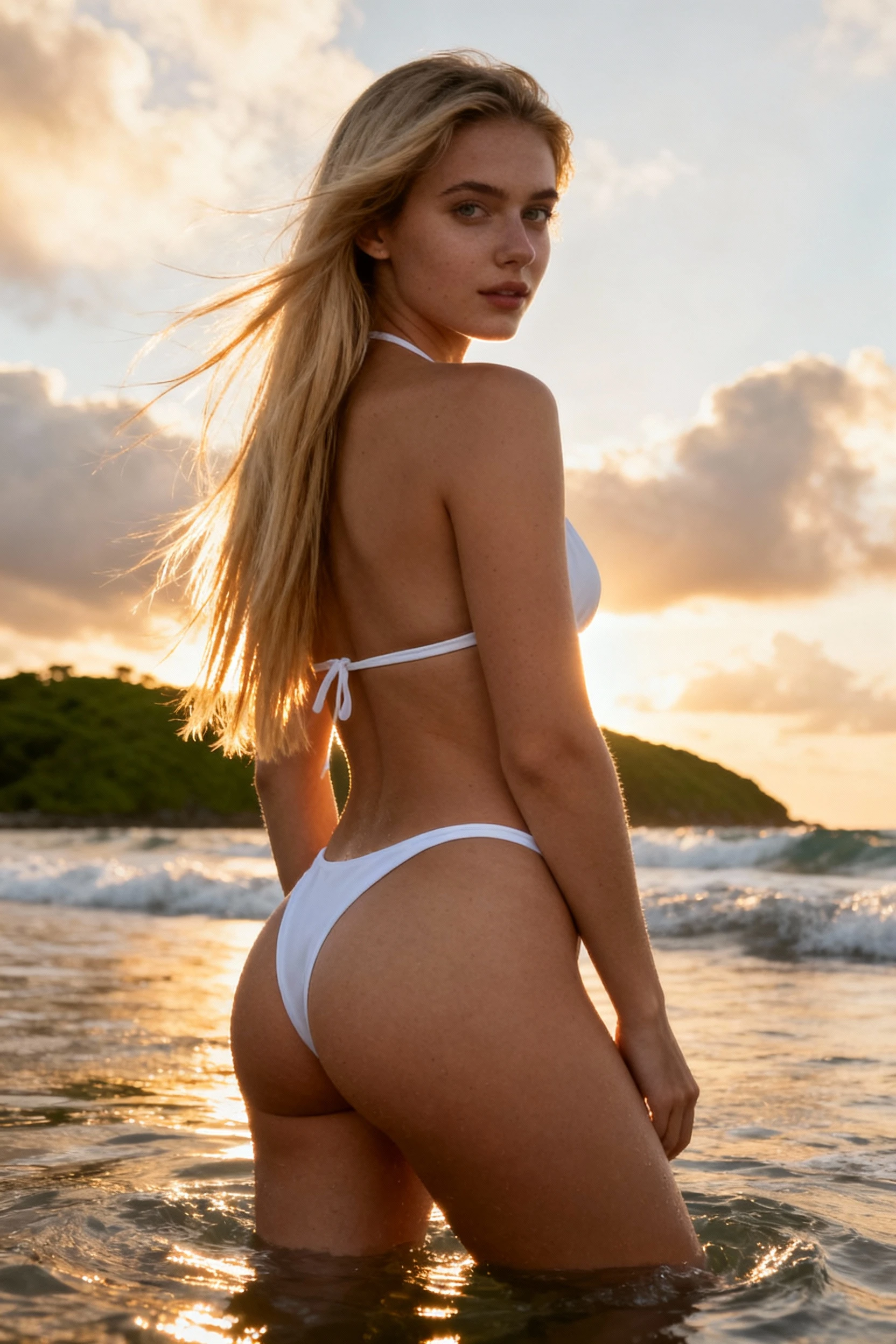
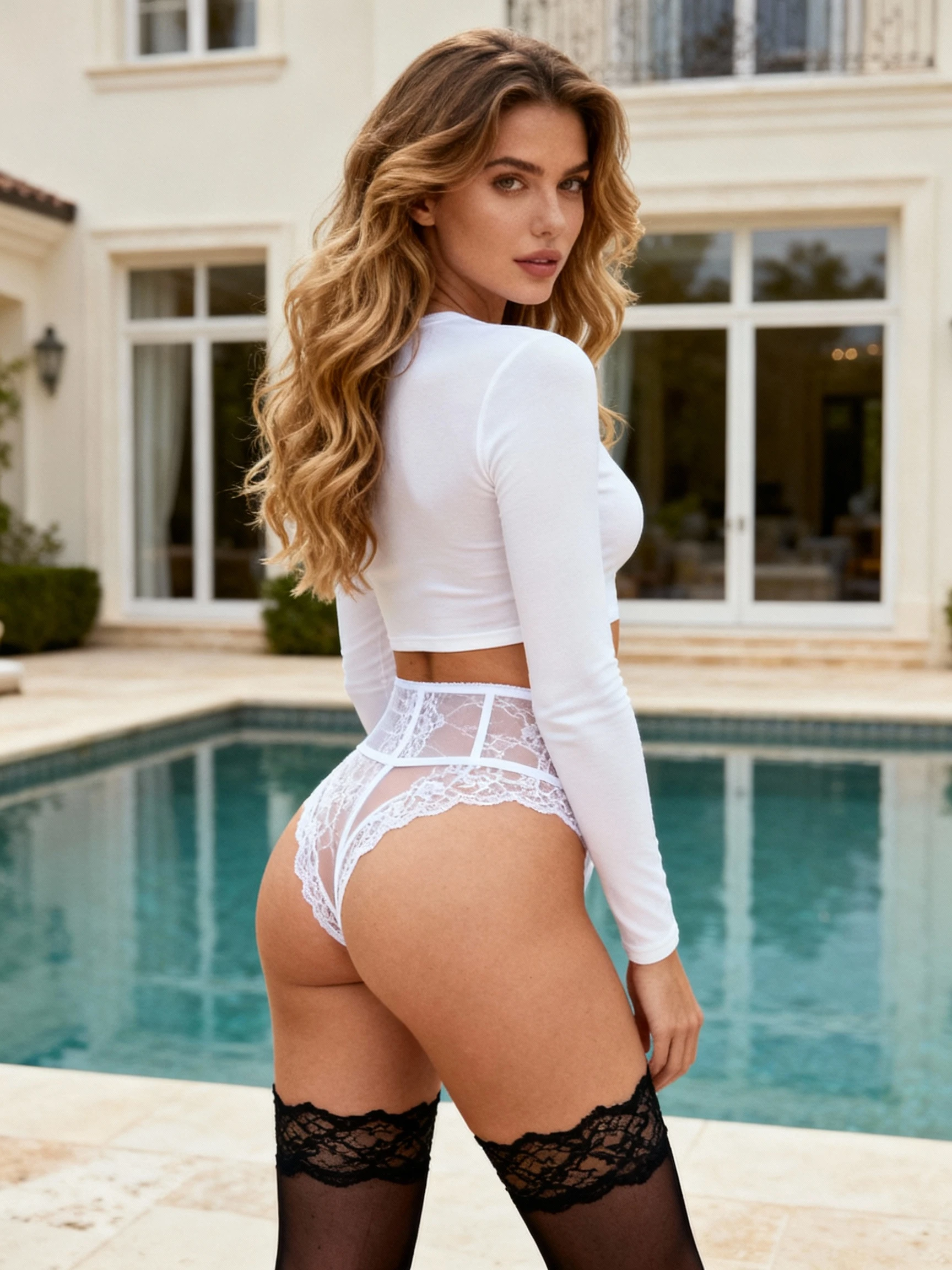
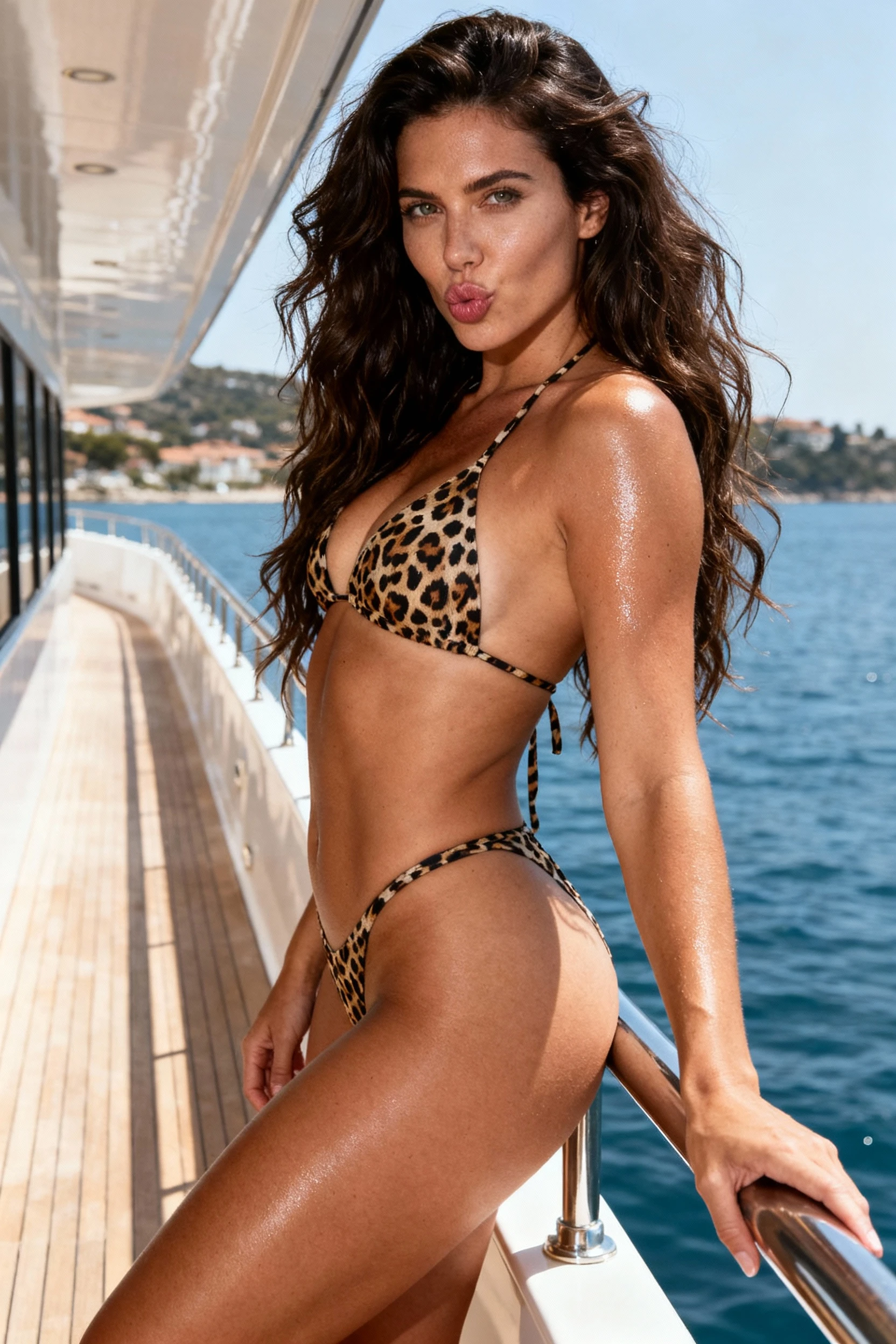
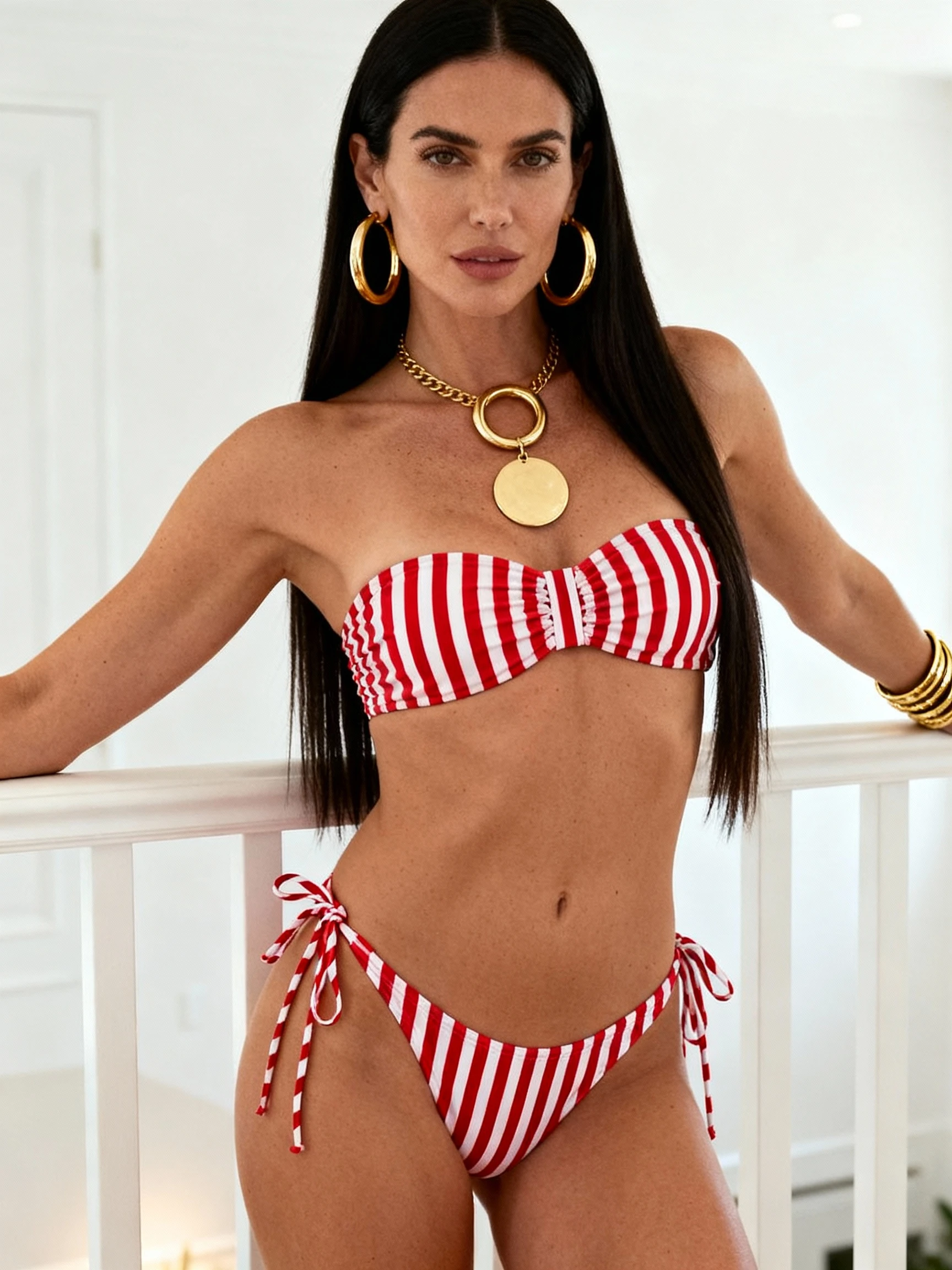
AI Butt Enhancement Photo Editor - Curvy Body Effect Example

Instant Curvy Body Effect (That Still Looks Like You)

A good body edit doesn't scream "filter." The best results keep your proportions believable, preserve clothing texture, and follow the original lighting. That's why Kiira's AI body reshape workflow focuses on realistic shaping: it enhances hips gently, refines the waistline, and creates a balanced curve—without warping backgrounds or bending straight lines.

Whether you're polishing a selfie, upgrading a favorite outfit photo, or building consistent content for social media, the goal is the same: a flattering result that feels effortless. If you've been searching for an AI butt enhancement photo editor online, you're probably not looking for extremes—you're looking for a tasteful lift, a cleaner outline, and an hourglass vibe that doesn't look fake.

Start Editing Now Learn How It Works

Curvy Body Effect Results You Can Actually Use

See what "natural" looks like. Each result maintains believable proportions, clothing texture, and scene integrity for authentic-looking enhancements.

How to Generate Realistic Butt Enhancement Images

Follow these essential tips to create natural-looking curvy body effects that won't be detected as edited.

Choose the Right Photo Type

Use full-body or upper-body photos where your face is clearly visible and thighs are shown. Three-quarter or front-facing angles work best. Avoid close-up shots or photos where legs are cut off—the AI needs to see your complete body structure for natural results.

Keep Background Clean & Simple

Choose photos with clean, uncluttered backgrounds. Plain walls, outdoor scenes, or minimal interiors work best. Avoid busy patterns, vertical lines (door frames, tiles), or crowded backgrounds—these make warping easier to detect and harder to fix.

Use Good Lighting Conditions

Select photos with natural, even lighting. Soft daylight or well-lit indoor photos produce the most realistic shadows and contours. Avoid harsh shadows, backlighting, or dim lighting—these can create unnatural results when the AI applies body reshaping.

Front-Facing or Side Angle Works Best

Use photos where you're facing the camera directly or at a 45-degree three-quarter angle. These angles give the AI clear visibility of your body proportions. Avoid extreme side profiles or angled shots—they limit the AI's ability to create balanced, proportional enhancements.

Natural AI Enhancement

Our AI technology creates realistic body enhancements that maintain natural proportions and preserve photo quality. Get professional-looking results without obvious editing artifacts or distorted backgrounds.

Private & Secure Processing

Your photos are processed securely and never stored permanently. We respect your privacy and ensure all uploads are handled with enterprise-grade security protocols.

Instant Results

Get your enhanced photos in seconds, not minutes. Our optimized AI processing delivers fast results without compromising quality, perfect for quick edits before posting.

Works on Any Device

Edit photos on desktop, tablet, or mobile. Our responsive web app works seamlessly across all devices with no downloads or installations required.

Where This Curvy Body Effect Works Best

📸

Everyday Photos

Casual mirror pics and outfit shots are perfect for a small lift and a cleaner waist-to-hip balance.

📱

Social Content

For profile photos, reels covers, or posts, a natural curve reads as confident and polished—without looking edited.

Style Testing

Curious how different silhouettes change your look? Try different levels of shaping to see what flatters your outfit best.

Try It Free

How to Enhance Hips in Photos Naturally (3 Steps)

The workflow is simple. You don't need design skills—just a decent photo and a clear idea of the look you want.

What Our Users Say

Real feedback from people who've used our AI butt enhancement photo editor to create natural-looking curvy body effects.

"Finally found an editor that doesn't make my photos look fake! Kiira's hip shaping is subtle and the waist refinement actually looks natural. I've tried so many apps before but this one gets the balance right."

👩
Sarah M.
Content Creator

"Love that it keeps the background clean! Other editors always warp the walls or floor tiles. This tool respects the scene integrity while giving me the curvy silhouette I want for my outfit posts."

👱‍♀️
Emma K.
Fashion Blogger

"The speed is incredible—instant preview and no lag. I can edit multiple photos in minutes. The hourglass effect looks professional and nobody can tell it's edited unless I show them the before photo."

🧑‍💼
Alex T.
Social Media Manager

Frequently Asked Questions

Will it look natural? +
Yes—especially with good lighting and a realistic starting photo. Subtle edits look best, and they're harder to detect. Kiira's AI applies balanced enhancement that matches your body's natural structure.
Is this only for butt lift edits? +
No. You can also create a balanced hourglass silhouette by combining hip shaping with gentle waist refinement for a complete curvy body effect.
Can it fix warped backgrounds? +
Good tools minimize warping, but the best prevention is using clear photos and avoiding extreme reshaping. Always preview results and adjust intensity if needed.
What's the best photo type for results? +
Well-lit photos with visible body outline (not overly baggy clothing) typically produce the cleanest, most natural enhancements. Front-facing or three-quarter angles work best.
Is it free to use? +
Yes, Kiira's AI butt enhancement photo editor is free to use. You can upload your photos, generate natural-looking curvy body effects, and download the results without any cost. Simply sign up for a free account to get started.

Ready to create a natural curvy body effect?

Try Kiira's AI butt enhancement photo editor to lift and shape hips, refine the waist, and get a confident, polished look—in seconds.

Get Started