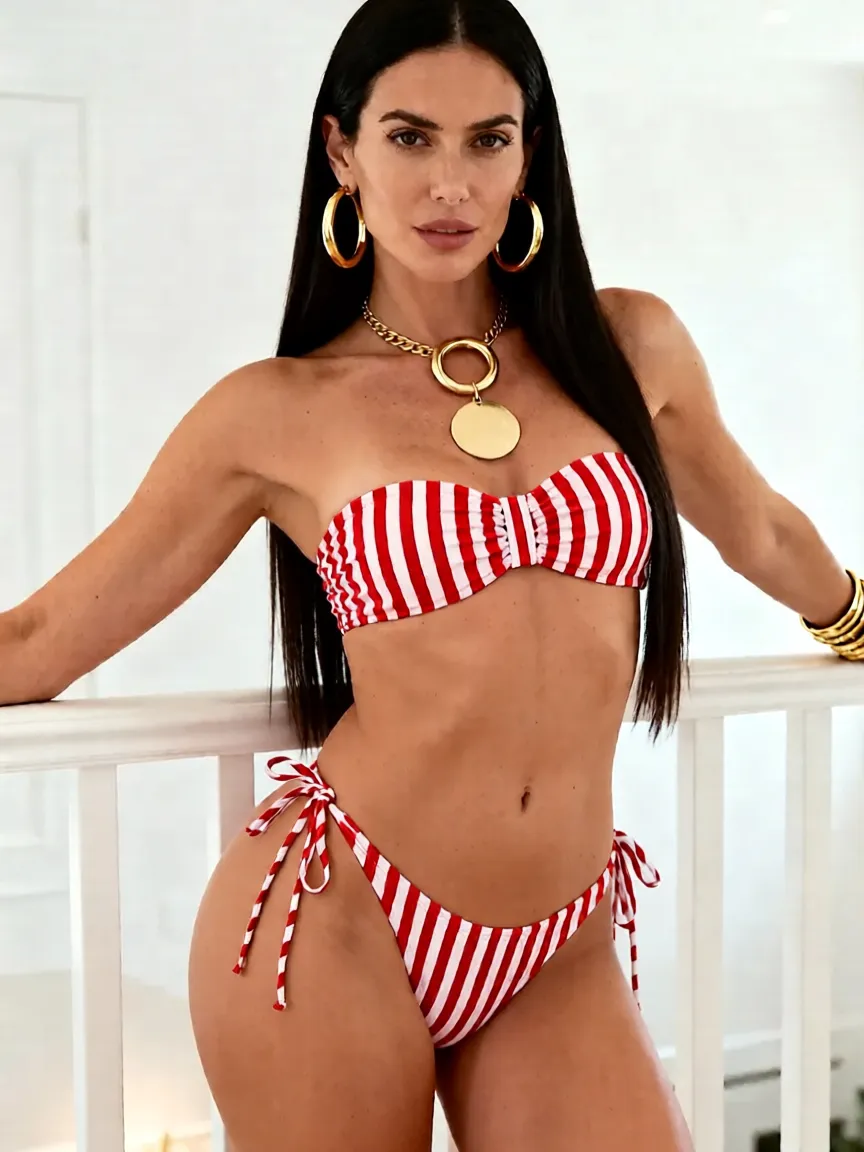
Choose Area to Enhance

AI Body Retouch Tool: Curves & Physique—Bust, Hips, Muscle

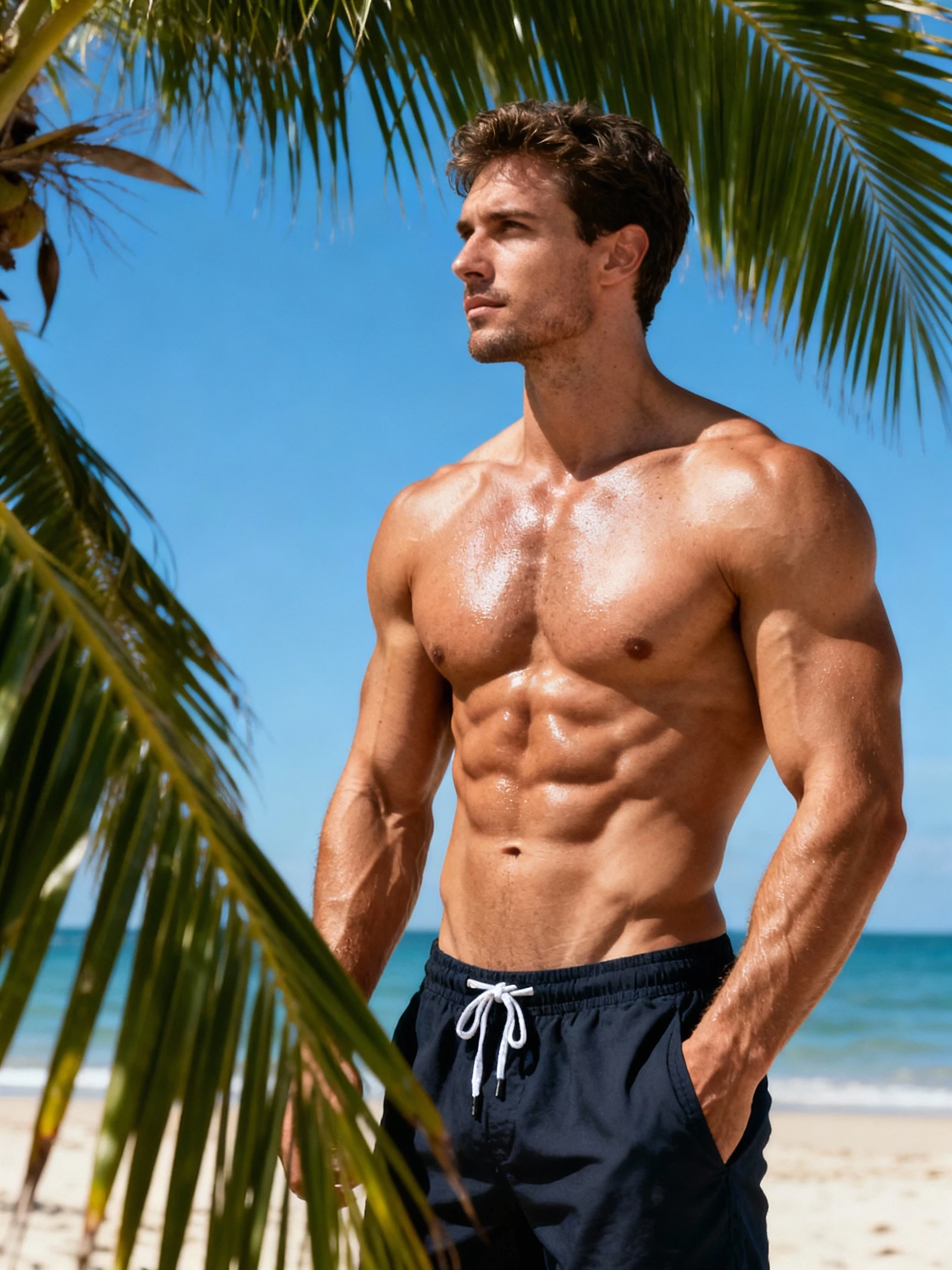
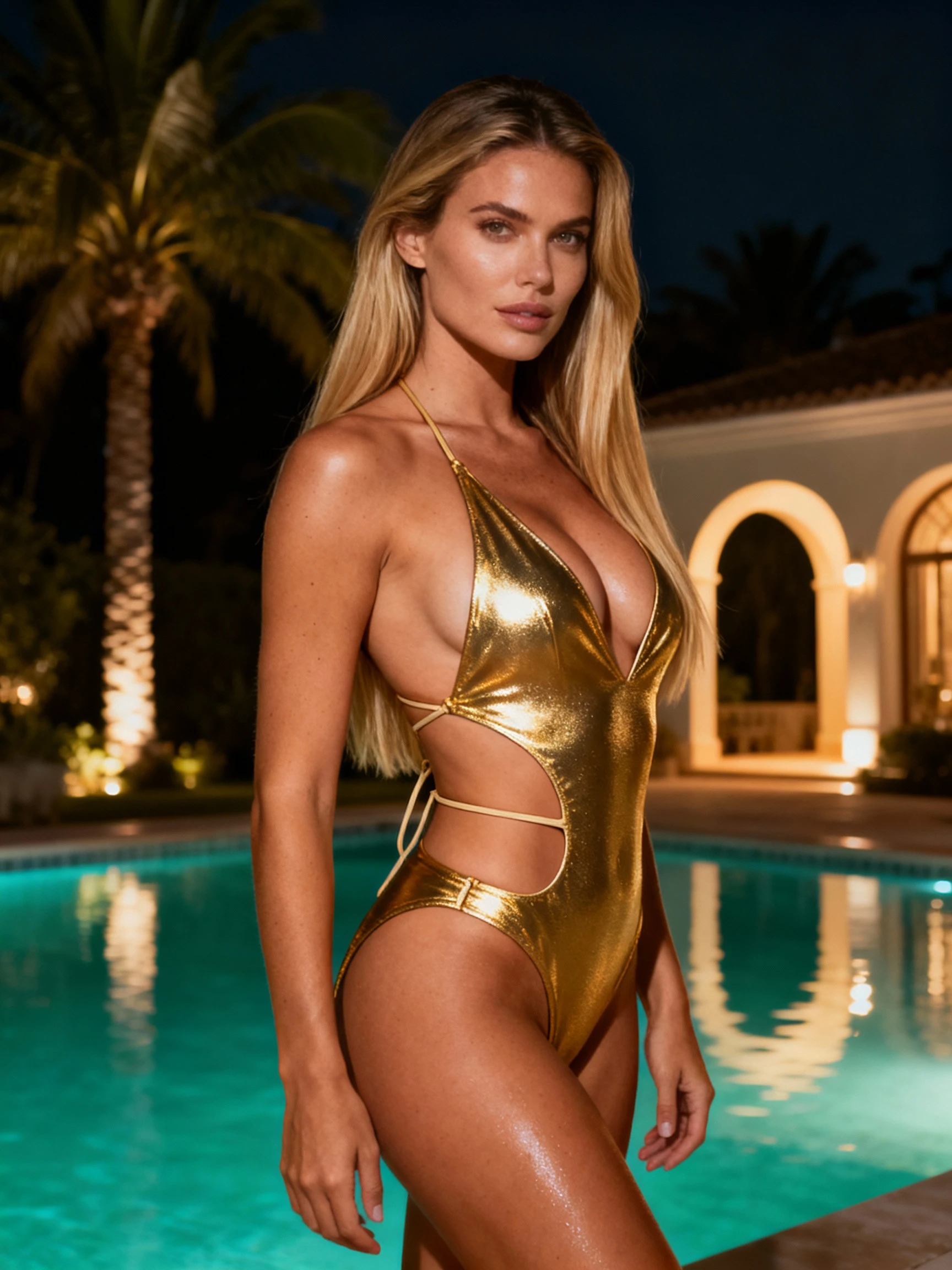
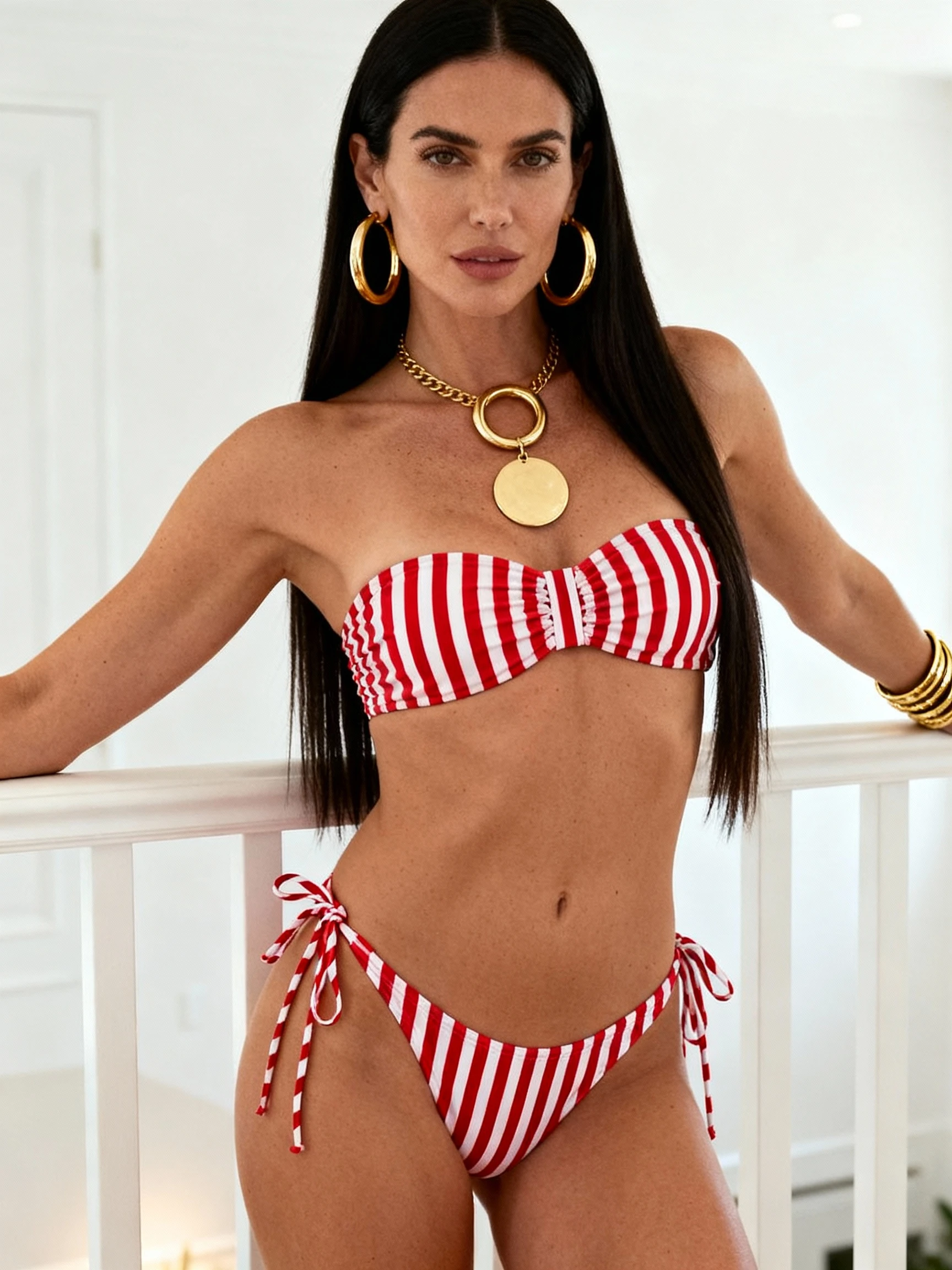
Want a more balanced silhouette without the "over-edited" look? Kiira's versatile body retouch tool lets you choose the area you want to enhance—bust, hips, or muscle definition from a single photo. Pick one goal at a time for natural, believable results.
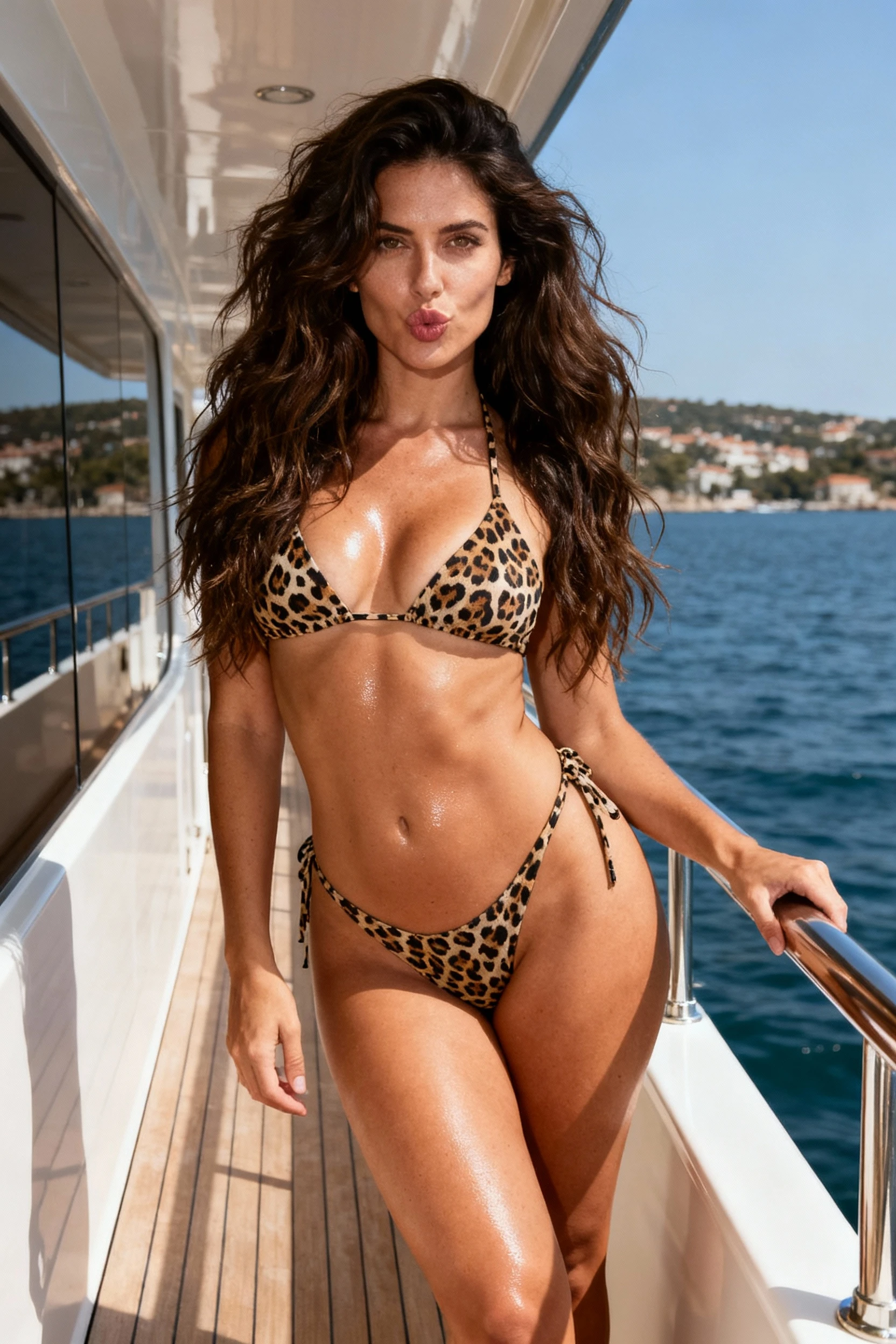
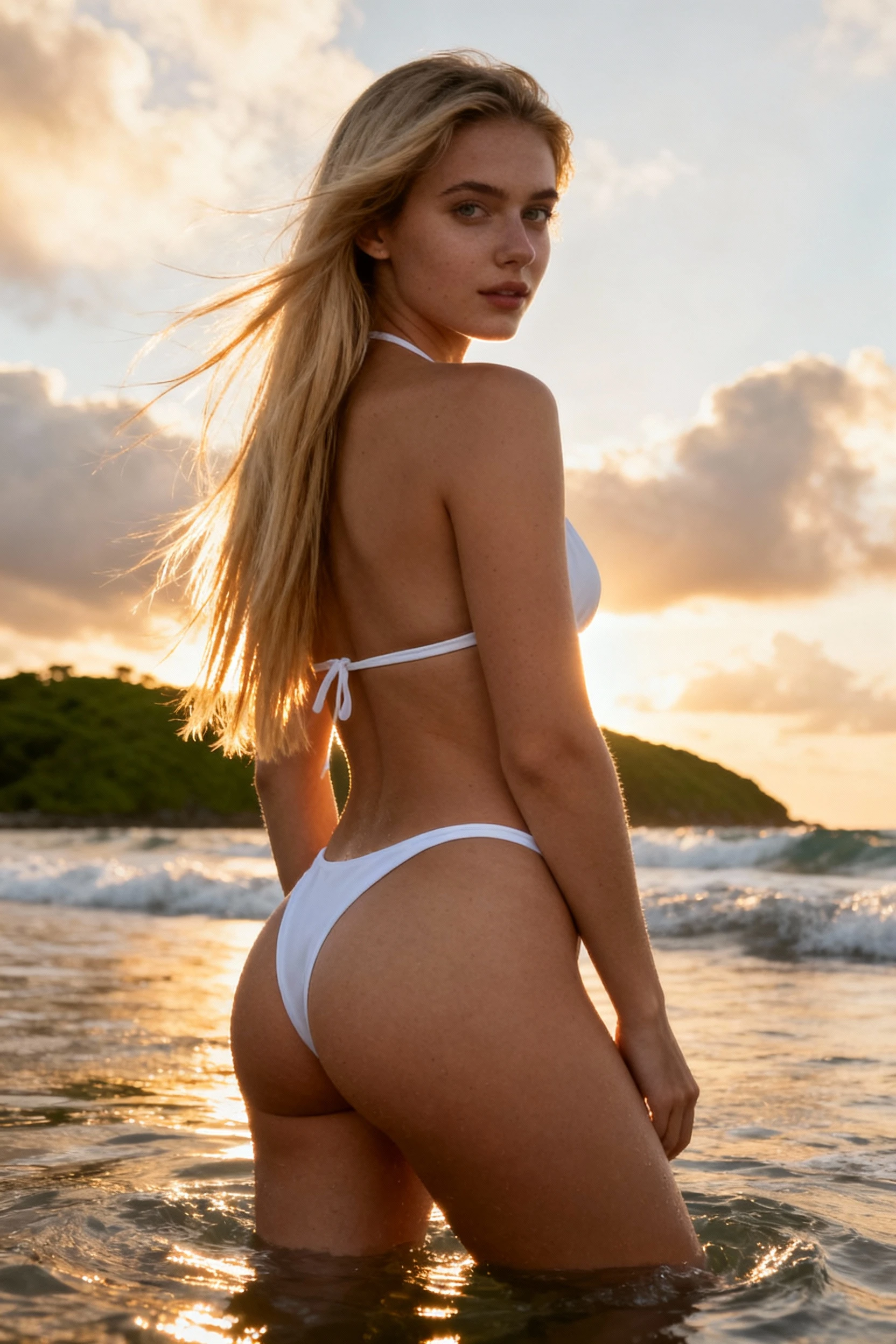
AI Body Retouch Tool: Curves & Physique Example

Pick Your Goal: Bust, Hips, or Muscle

A good body edit is subtle. It respects your original lighting, keeps clothing texture intact, and doesn't warp straight lines in the background. This tool gives you three focused options: gentle bust enhancement, a tasteful hip lift, or muscle definition that follows realistic anatomy. Choose one enhancement per photo for the most natural, believable results.

Unlike tools that only do one thing, Kiira's editor offers flexibility. Want fuller curves today and defined arms tomorrow? You choose the focus each time you edit. Each option is designed to work independently, giving you full control over which area to enhance while keeping everything else untouched.

Results You Can Actually Use

The best edits are the ones you can post without second-guessing. See how focused enhancements—whether bust, hips, or muscle—create polished, natural-looking results.

How to Get Realistic Body Retouch Results

Follow these essential tips to get the most out of Kiira's body retouch tool and create natural-looking curves and physique edits that blend seamlessly with your original photo.

📸

Choose the Right Photo

Full-body or three-quarter shots usually give the cleanest outline. Avoid heavy filters, extreme motion blur, or overly dim lighting—clean inputs create cleaner edits.

🖼️

Keep Background Simple

Busy patterns and strong vertical lines make distortions easier to spot. Plain walls, minimal interiors, and open outdoor scenes are safer choices.

💡

Use Even Lighting

Soft daylight or balanced indoor light helps the edit blend naturally. Harsh shadows can make reshaping look patchy or inconsistent.

📐

Focus on One Area

Choose one enhancement per edit—either bust, hips, or muscle. Focused, subtle changes in a single area almost always look more realistic than trying to adjust everything at once.

Where This Works Best

📸

Everyday Photos

Mirror pics, travel photos, and outfit shots often benefit from small curve balancing—nothing dramatic, just cleaner lines.

📱

Social Content

For profile images or post covers, subtle physique tweaks can add confidence without screaming "edited."

💪

Fitness & Transformation Posts

Muscle definition can help emphasize the physique you're already building—abs, shoulders, arms, and overall tone—while keeping it believable.

How to Use Kiira's Body Retouch Tool in 3 Steps

The workflow is simple. Choose the area you want to enhance (bust, hips, or muscle), upload your photo, and let the tool handle the rest. No design skills needed.

What Our Users Say

Real feedback from people who've used Kiira's AI body retouch tool for curves and physique edits.

"Love having options! I can focus on bust one day, hips another day, or muscle definition when I need it. Each edit looks natural and proportional. Perfect for my Instagram posts."

👩
Jessica P.
Fitness Influencer

"Being able to choose between muscle tone or curve adjustments gives me total control. Each option works perfectly on its own. The background stays clean and nothing looks distorted. Perfect for my modeling portfolio."

🧑
Marcus R.
Model

"The speed is amazing and the results are consistent. I can edit multiple photos quickly and everything looks professional. No more jumping between different apps."

👱
Taylor L.
Content Creator

Frequently Asked Questions

Will it look natural? +
Yes—especially with good lighting and moderate adjustments. Subtle changes blend best. The AI focuses on your chosen area (bust, hips, or muscle) and applies enhancements that match your body's natural structure without affecting other areas.
Can I edit multiple areas at once? +
The tool is designed for focused edits—choose one area per photo (bust, hips, or muscle). This approach produces the most natural, believable results without over-editing.
Can it avoid warped backgrounds? +
No tool can guarantee perfection, but clean backgrounds and good lighting greatly reduce warping. Always preview results and regenerate with a better photo if needed.
What photos work best? +
Well-lit photos with a clear body outline and minimal blur. Front-facing or three-quarter angles are ideal for best results.
Is it beginner-friendly? +
Yes. If you can upload a photo and preview a result, you can use it effectively. No design skills required.

Ready to refine curves and physique with Kiira?

Choose the area you want to enhance—bust, hips, or muscle definition in seconds. One goal at a time. Keep it subtle, keep it real, and get a result that still feels like you.

Get Started